 Dial
Dial
iPhone · Companion
The same house, in your pocket.
Dial on iPhone is a remote for the rooms, not a second music app. Volume, transport and grouping for every Sonos room — and what’s playing shows on the Lock Screen, with the buttons that work.
The television’s language, in a hand
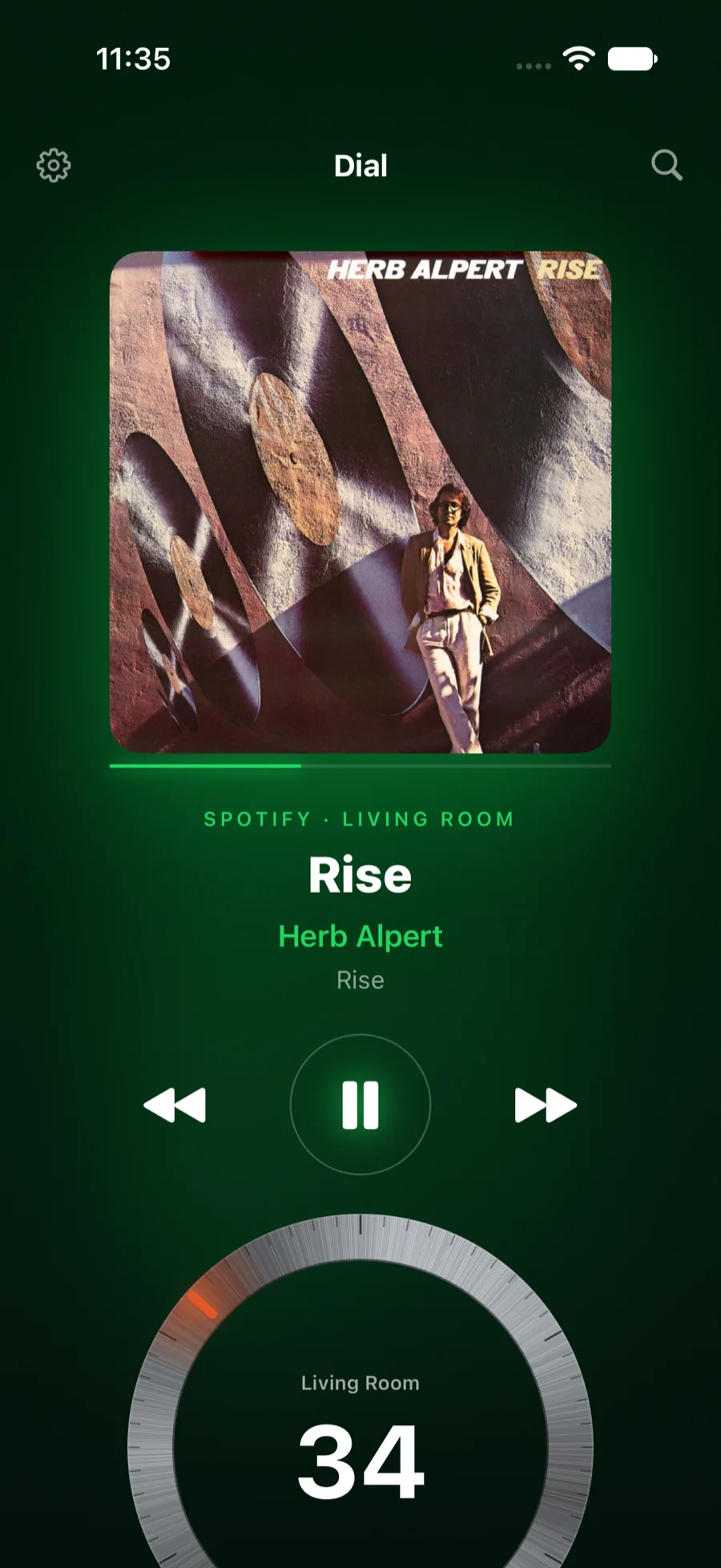
Same ember, same dark field, same display face. The record sits on top, washed in its own colours — the phone reads the album art the way the TV does — with the title in the display face, transport as bare marks, and a dial you turn with a thumb. Every step of the dial clicks in your hand.
The volume buttons are the volume
Press the phone’s own volume rocker and the room moves. No tapping into a screen first: the buttons your thumb already knows drive the Sonos, one click per step, with a haptic detent to match.
Type here, play there — and see it there
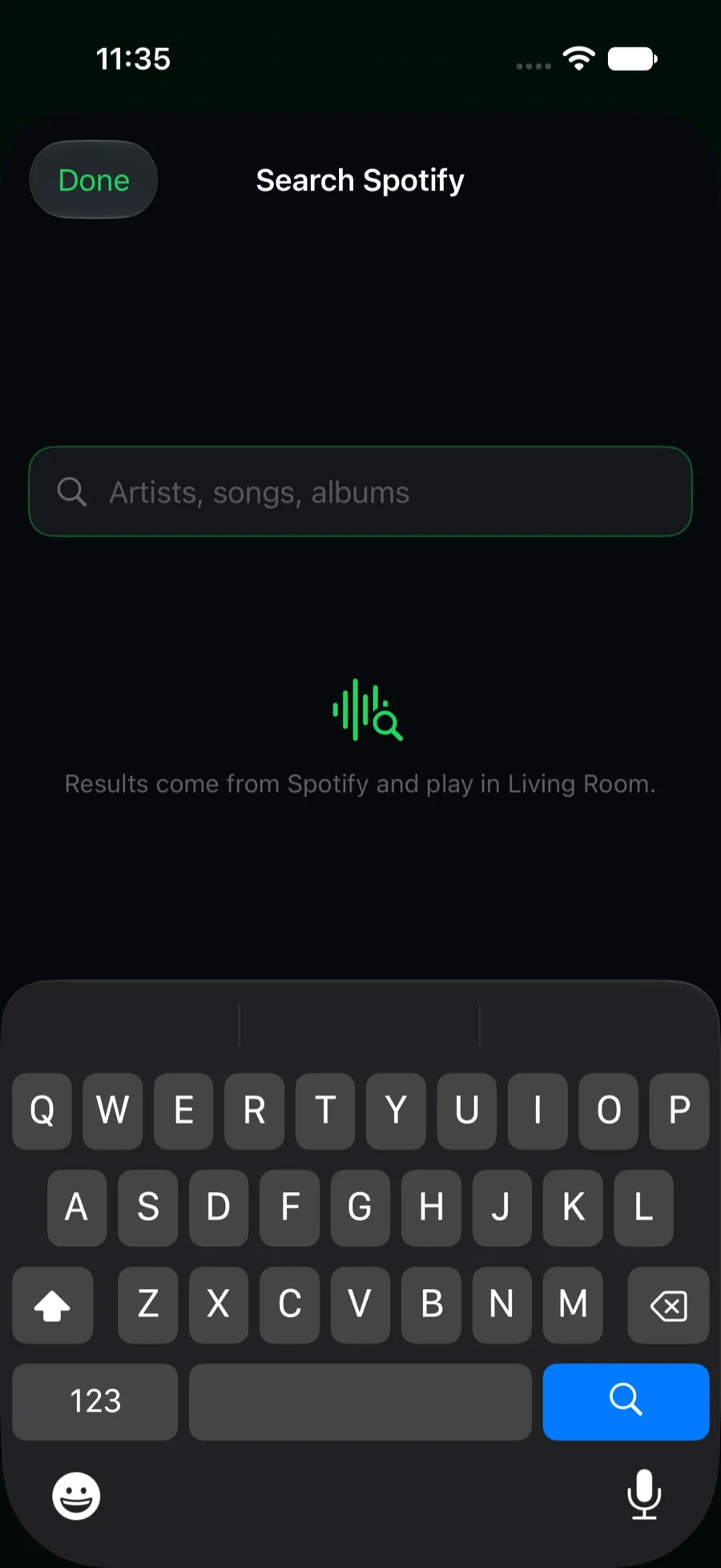
The TV’s weak spot is the keyboard; the phone’s is not. Search Spotify or Pandora, tap a result, and it plays in the room. If the Apple TV is on, it swings to that room the same moment, so the big screen shows what you just started.
iPhone Duo, either side of the fold
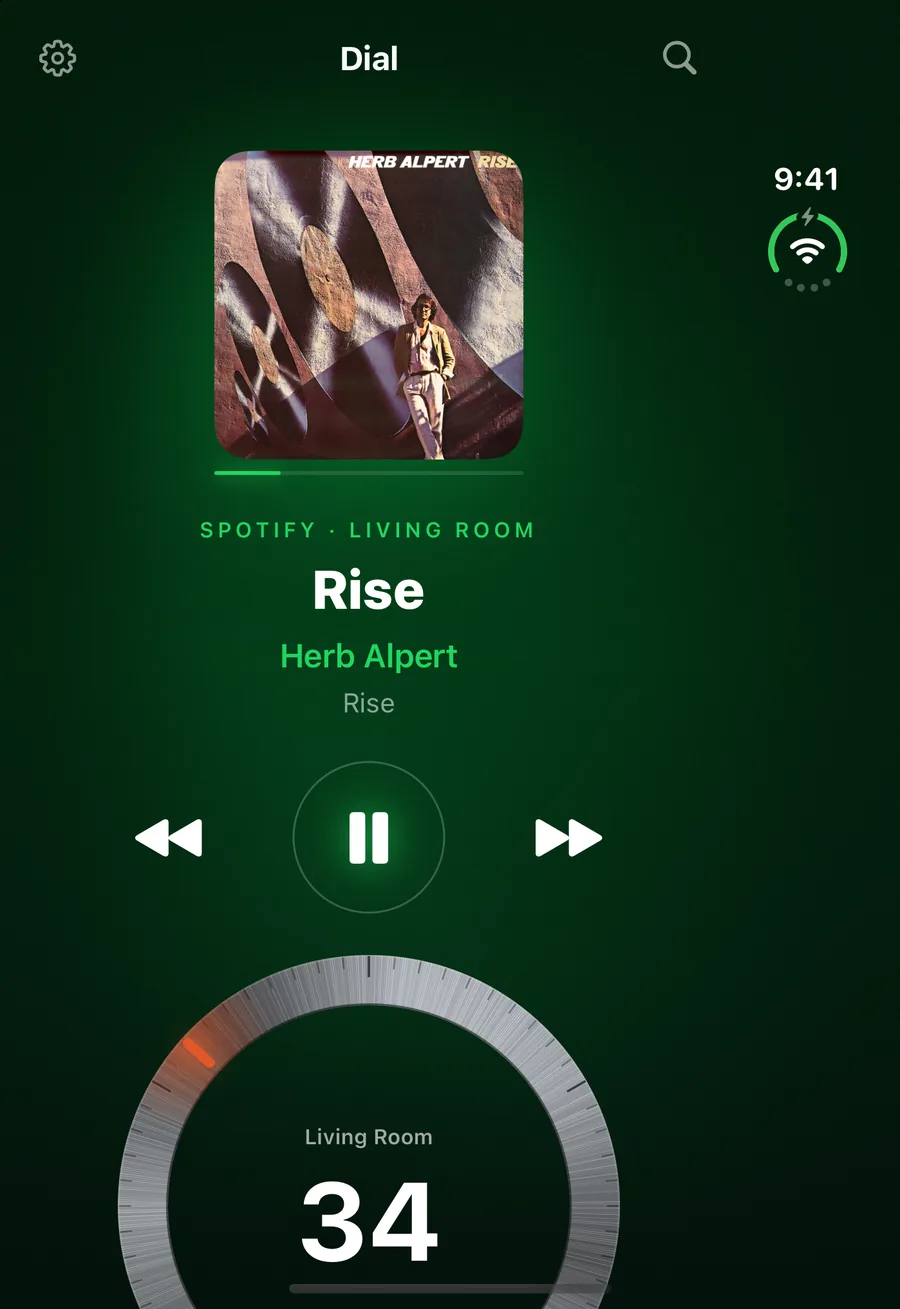
Open the Duo like a book and Dial lays itself out along the fold: the record, its title and transport on one side; the dial and the rooms on the other, each half scrolling on its own. Stand it on its lower half and the record takes the top while transport, the dial and the rooms sit below. Nothing lands in the crease at any angle of the hinge, the halves trade places for right-to-left languages, and setup and linking the TV split the same way.
Closed, still the whole remote
The outer screen is shorter than a phone’s, so the record steps down a size and the dial, with its number, is there on the first screen. No scrolling to turn the room up.
Splitting at the fold needs iOS 27.1, which tells an app where the fold is.
Set it down, and it puts on the show
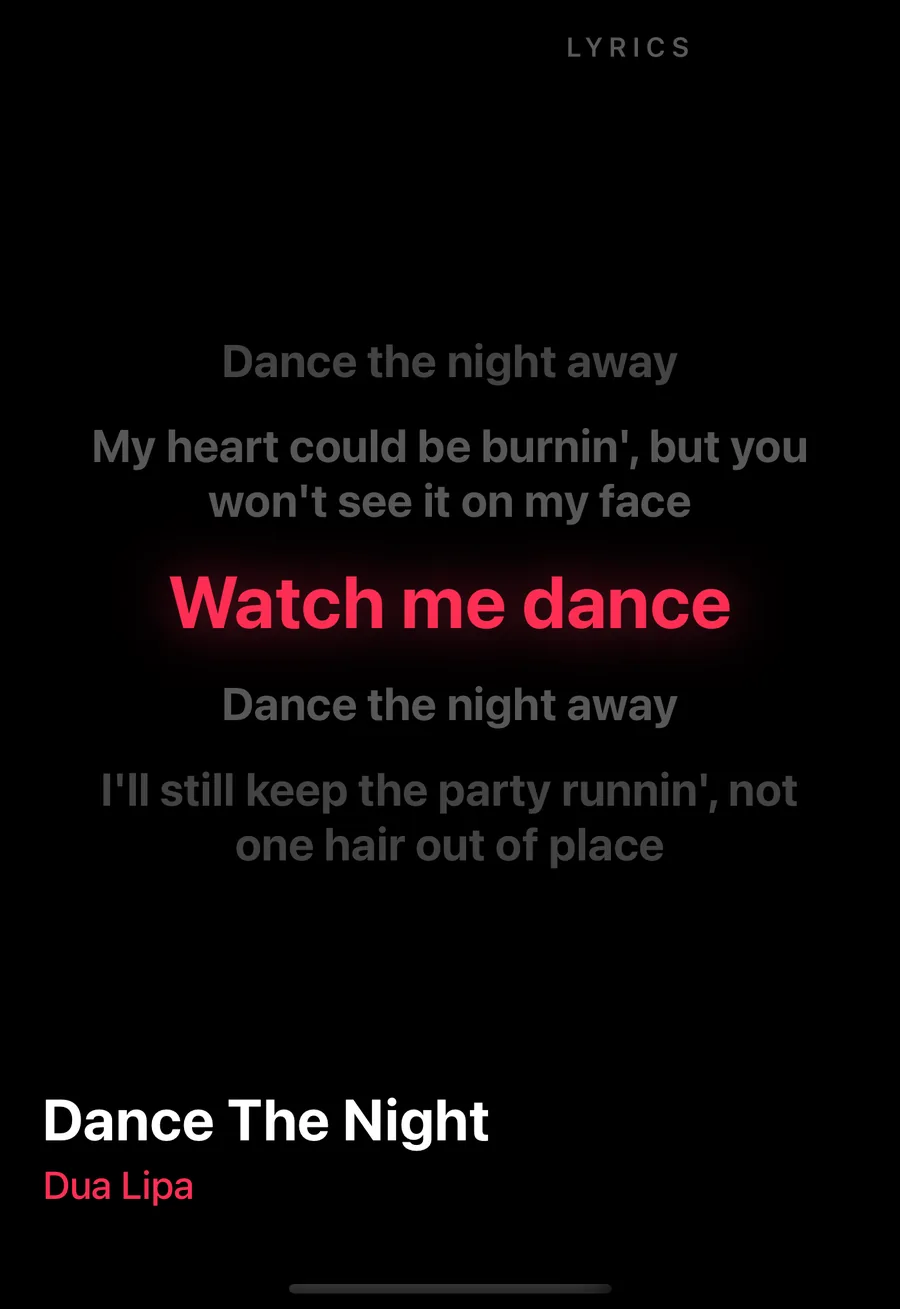
Leave the phone untouched for half a minute while a room plays and it puts on the television’s ambient show: the record full screen, in the same rotating modes. When the song has synced lyrics, one of those modes is the words, the line being sung lit between the ones either side. A touch brings the remote back, and the gear menu turns the show off for that phone.
What Sonos removed, put back
Long-press any room: an exact volume number, a sleep timer, the queue — reorder or remove — and the alarms, switched on and off. These live in the speakers themselves and the phone talks to them directly on your network.
Your Sonos, on the Lock Screen
With iOS 27, Dial publishes each playing group as a remote media session. The Lock Screen and Control Center show the record, the room, and play, pause, skip and per-speaker volume — and the buttons work with the app closed, because a small extension answers them directly.
Widgets and Control Center
A now-playing widget for any room and a whole-house widget with play and pause on every row. In Control Center: pause the house, a room’s play/pause, volume up and down — all of them work from the Lock Screen and the Action button.
Real grouping
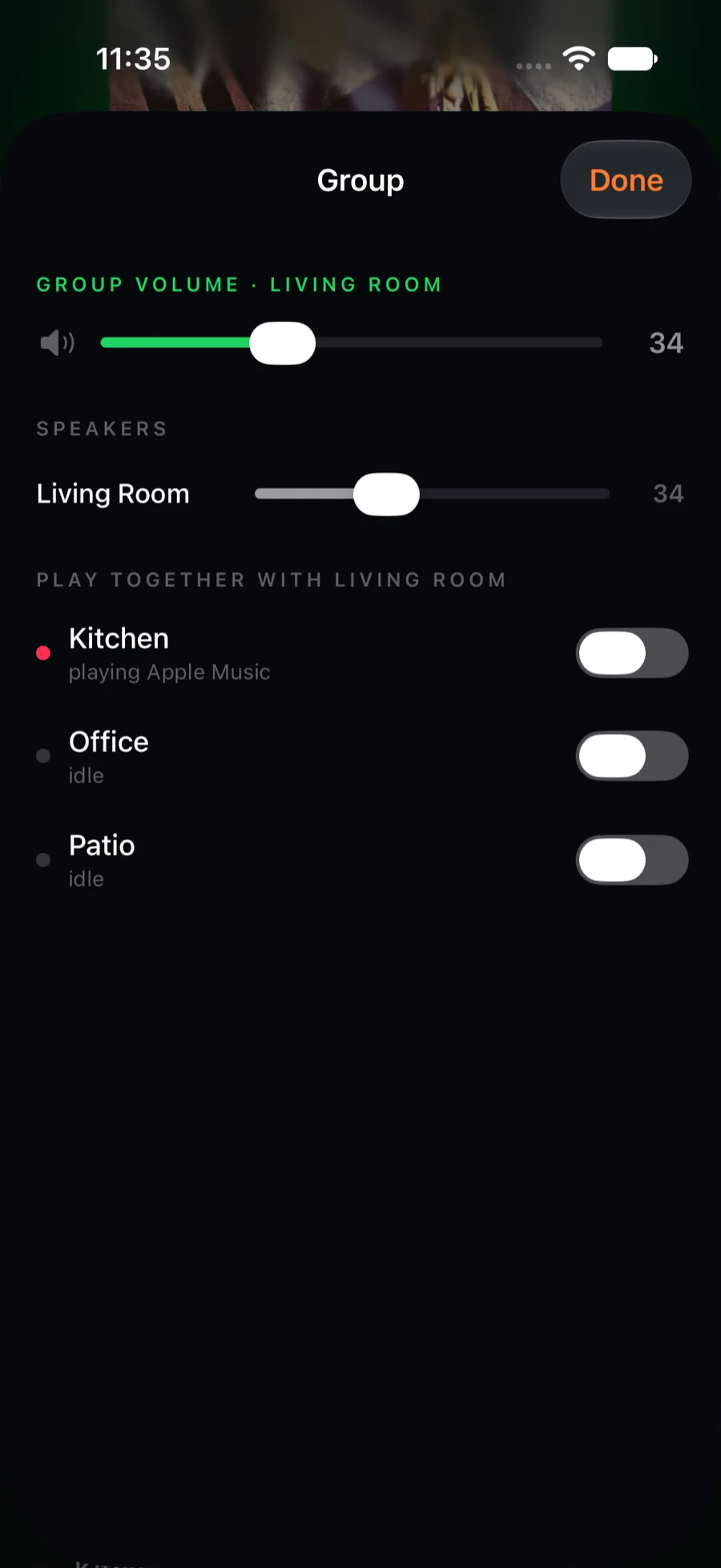
Drag one room onto another to play them together. Open Group for the group’s own volume, a slider for every speaker in it, and a switch per room.
The whole library, folder by folder
Library opens every service the house can play — Spotify’s playlists, saved albums and liked songs; Apple Music’s recently played, made-for-you and top songs; Pandora’s stations — and My Sonos beside them. Open a collection to its songs, or play it whole with one mark. Everything plays on the speakers, not the phone.
Siri, and your wrist
“Set the volume with Dial” and “Group the rooms with Dial” work from anywhere on the phone, app closed. And on Apple Watch, the crown is the volume: every room the phone knows, a play mark, skips either side — talking to the speakers on its own, so the phone can stay in another room.
Also: your rooms in the speaker picker
A second, tiny app — Dial Speakers — puts every Sonos room into the system output picker, the same sheet as AirPlay, for any app. Apps that play by URL hand the stream to the speaker; everything else — Apple Music, Spotify, a video — is captured as it plays on the phone, encoded on the fly, and streamed to the room, with volume and transport following.
The fine print: Apple’s speaker-picker extensions are a managed capability that the developer requests, so this ships when Apple grants it. Realtime streaming carries a second or two of latency — for listening, not video sync.
It talks to the TV
Show any room on the Apple TV from the phone — the screensaver wakes onto it. A phone that is already linked can hand the household link to a television showing its code, so the TV never needs the portal. And when you sign in to Spotify on the phone, the television gets the same session over your network and keeps it alive by itself.
The Apple TV app is on the App Store now. The iPhone and iPad app is on its way, under the same purchase.