 Dial
Dial
Your music · 03 of 06
Search on the biggest screen you own.
Pandora, Spotify and Apple Music — typed once with the remote, answered as big pickable tiles, playing in whichever room you choose.
Three services, one screen
Pandora and Apple Music come through your Sonos system — the app browses them directly on your network and starts playback on the speakers themselves. Spotify signs in once and plays over Spotify Connect (Premium — Spotify’s rule), the speakers streaming straight from Spotify.
The library, on the big screen
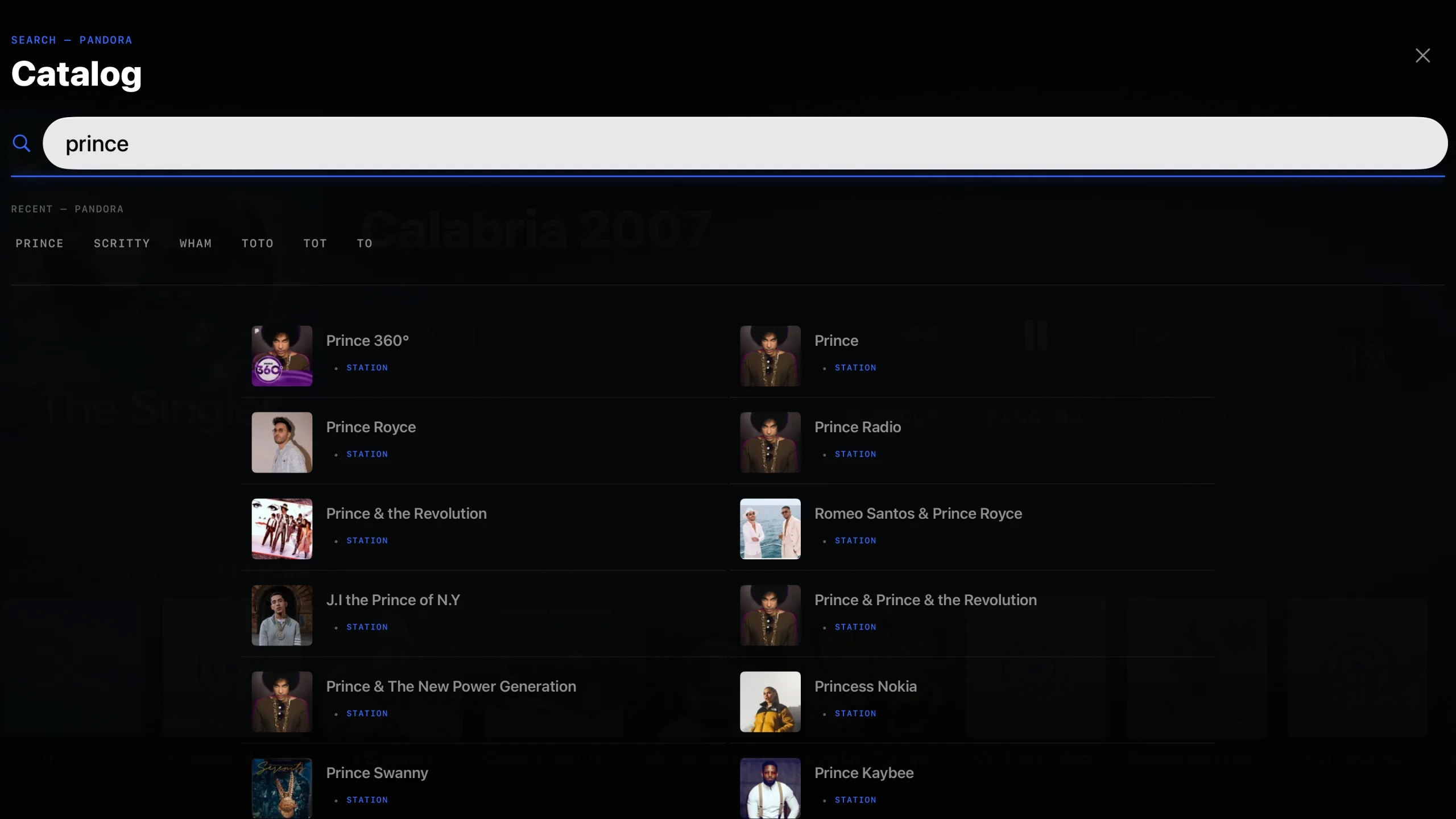
Library on the rail opens every service folder by folder — Apple Music’s recently played, made for you and top songs; Spotify’s playlists, saved albums and liked songs; Pandora’s stations — with your Sonos favorites and Sonos playlists beside them. Select a song to play it, a collection to open it, hold a collection to play it whole; Menu steps back. The queue sits under the shelves, and holding a row moves it or removes it without reaching for the phone.
Search once, everywhere
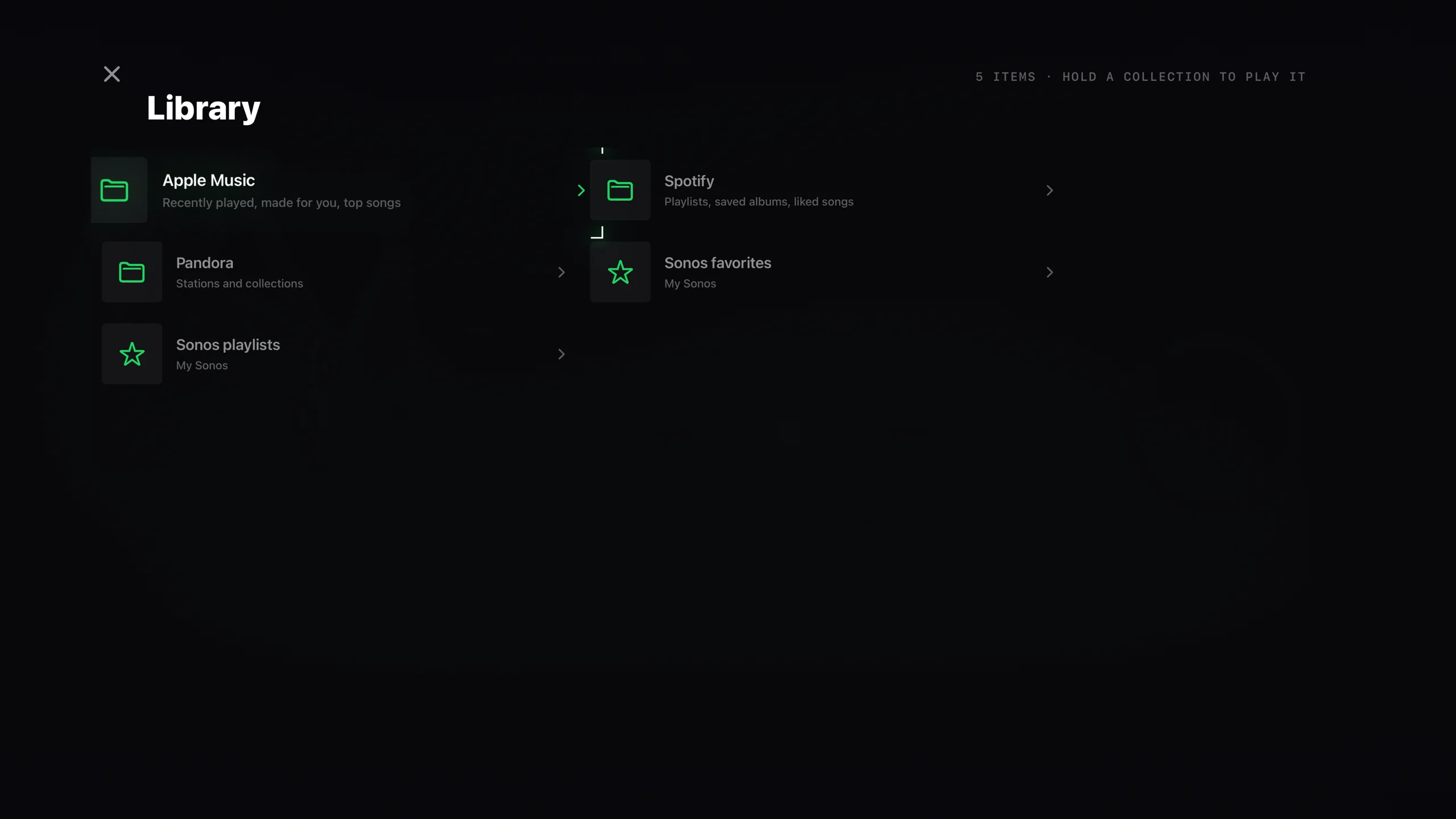
Set the search to all services and one name comes back grouped by service, so the version you want is a click away whichever catalog holds it. Type it on the phone if you would rather; the result plays in the room and the television swings to it.
Route it anywhere
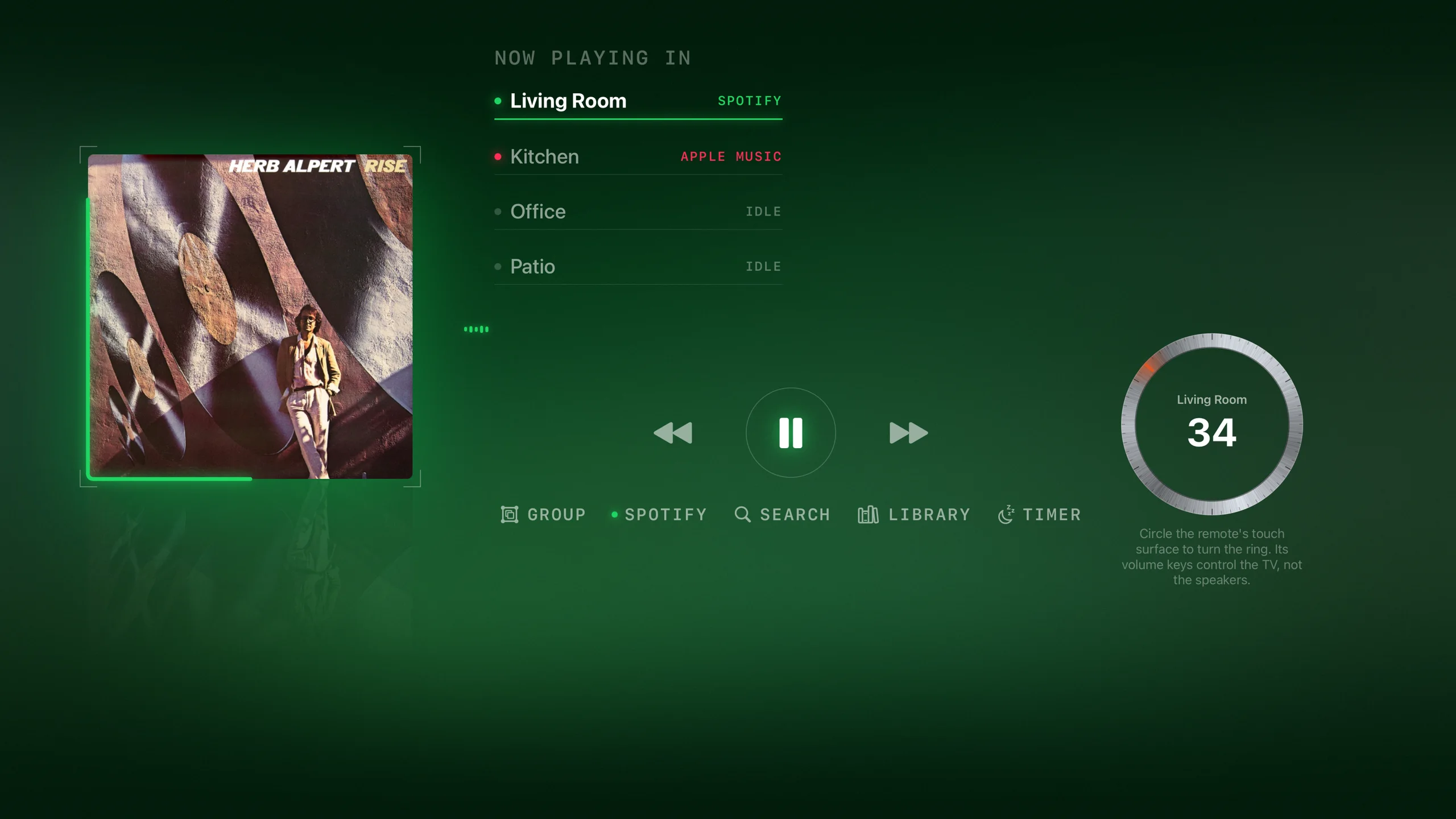
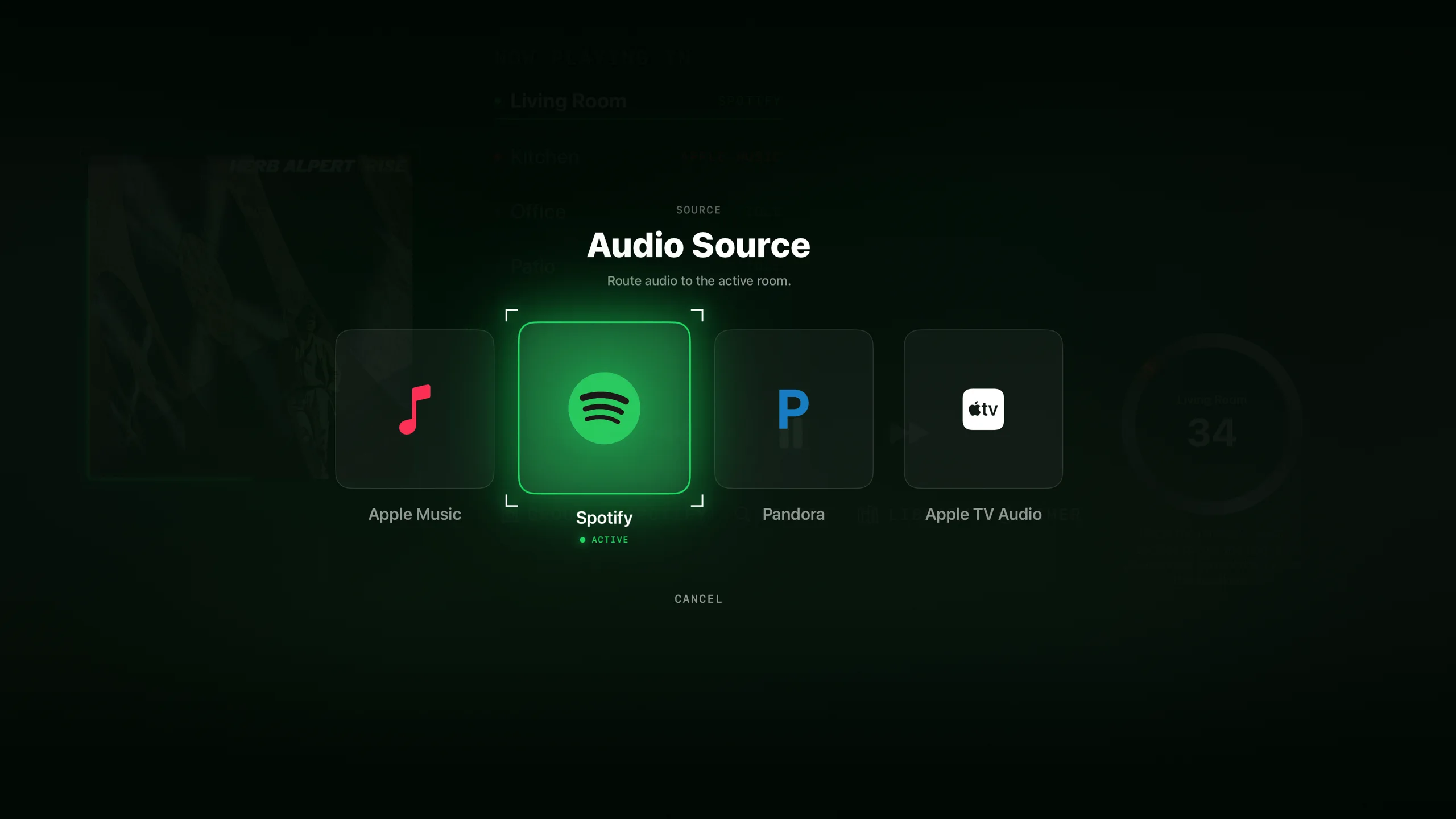
The source picker puts Apple Music, Spotify, Pandora and the Apple TV’s own audio side by side. Pick the source, pick the room, and the evening is set.
Searches stay yours: recent searches are stored on the Apple TV, separately per service. Nothing leaves the device, and deleting the app clears them.
And when you walk away
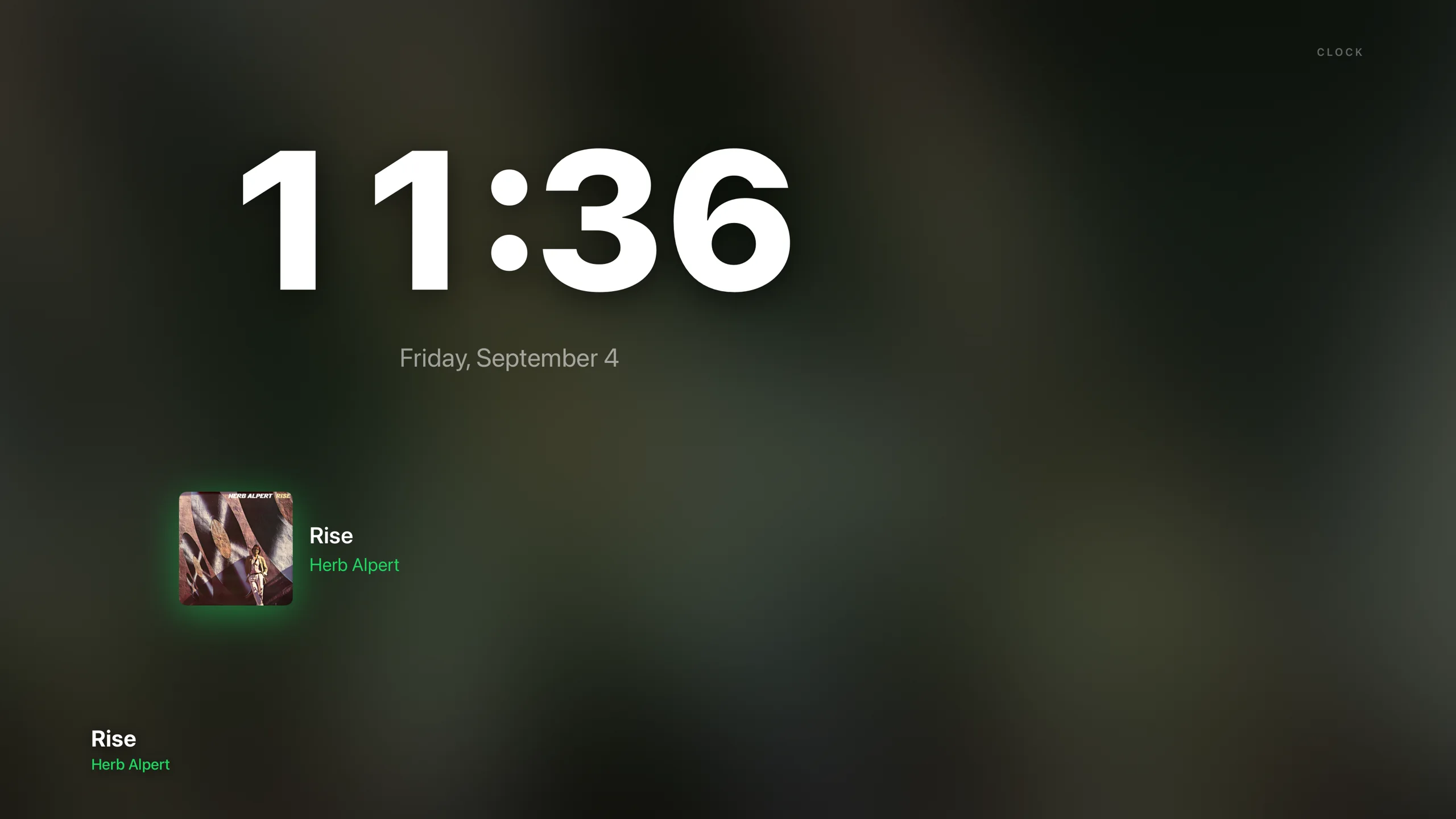
Leave it playing and the cover becomes the show — the sleeve drifts through the dark, breaks into mosaic tiles and gathers back, steps out into light drawn from its own colors, and when the hour matters more than the art, keeps the time in the record’s own palette. The house’s music, on the biggest screen in it.