 Dial
Dial
Rooms · 01 of 06
One press fills the place.
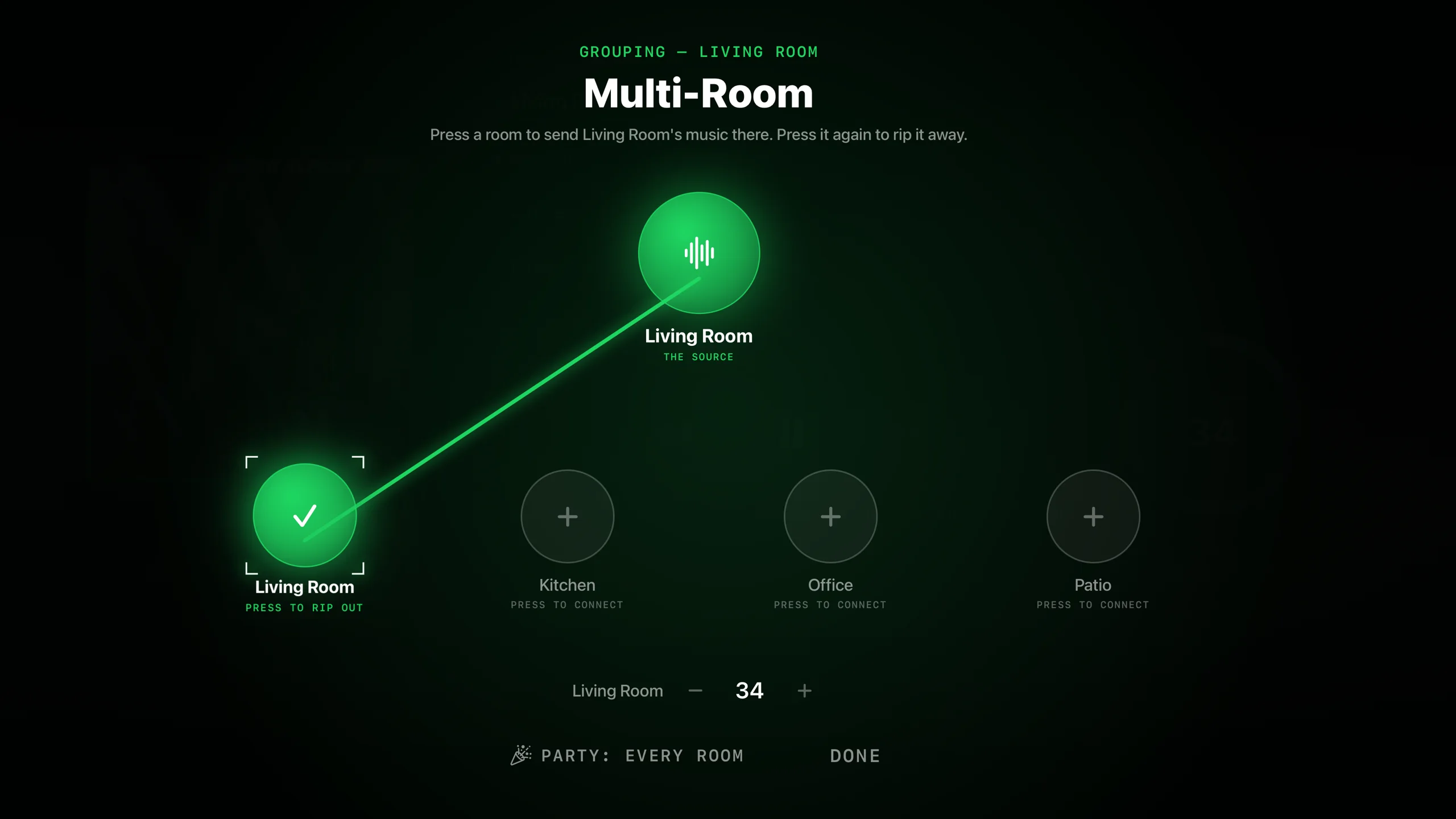
Kitchen to living room to deck — group them, send the same song everywhere, or keep every room its own world. Without getting up.
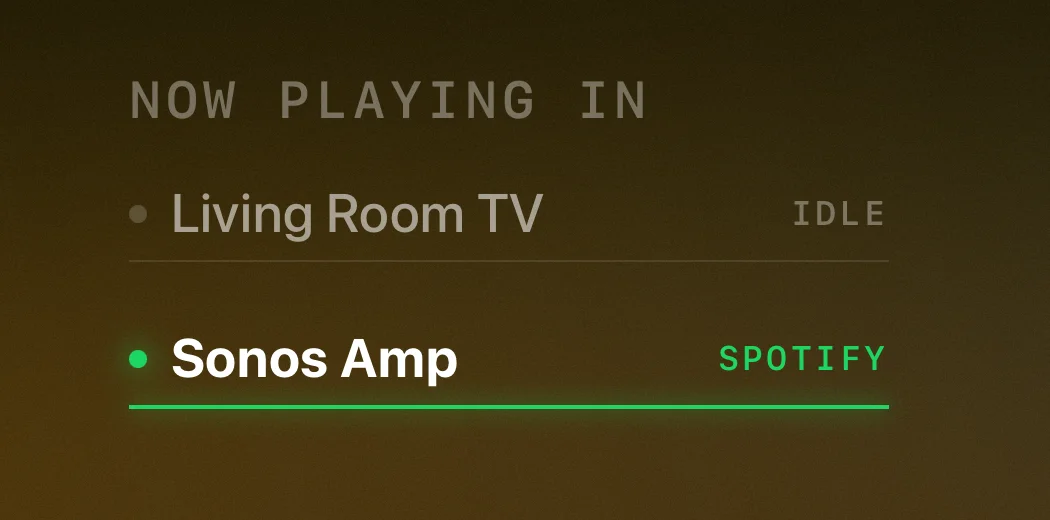
The house, as a list
The now-playing screen keeps the whole system in view: each room, its source, and whether it’s playing. Move the focus, click, and you’re controlling that room. No modes, no drilling.
Grouping without ceremony
Press Group and pick the rooms that should join in. The speakers sync themselves — that’s Sonos doing what Sonos hardware does best — and the group volume rides as one, while each room keeps its own trim.
Why it feels instant: room state arrives over a live connection from the speakers on your own network. The app hears about a change the way the speakers do — it doesn’t poll a server and wait its turn.
Ungrouping is the same gesture
The deck party ends; the kitchen goes back to the news. Splitting a room out is one press, and whatever it was playing before is where you left it.