 Dial
Dial
Press kit
Dial, in one page.
Everything below may be republished as-is. For quotes, review builds, or anything missing here: press@turnthedial.app.
Boilerplate
Dial is an Apple TV app, with companions for iPhone, iPad, Apple Watch and Mac, that controls a whole house of Sonos speakers from the remote already in your hand — grouping rooms, riding volume with exact numbers, and searching Apple Music and Spotify on the biggest screen in the home, with Pandora through a linked account. It talks to the speakers directly over the local network, holds its credentials in the Apple TV’s encrypted keychain, and is free to download with a fourteen-day trial, then sold once, with no subscription. Dial is an independent app by a single developer and is not affiliated with Sonos, Inc.
Fact sheet
- Name
- Dial
- One-liner
- Run the whole house from the couch.
- Platforms
- Apple TV (tvOS 18 or later), on the App Store now. On the way: iPhone and iPad (iOS 18 or later; Lock Screen sessions, iOS 27; the iPhone Duo fold layout, iOS 27.1), Apple Watch (watchOS 11 or later) and Mac (macOS 15 or later)
- Pricing
- Free download with fourteen days of everything, then a one-time $69.99 (US) unlock that covers every platform. No subscription
- App Store
- apps.apple.com/app/id6784401512
- Controls
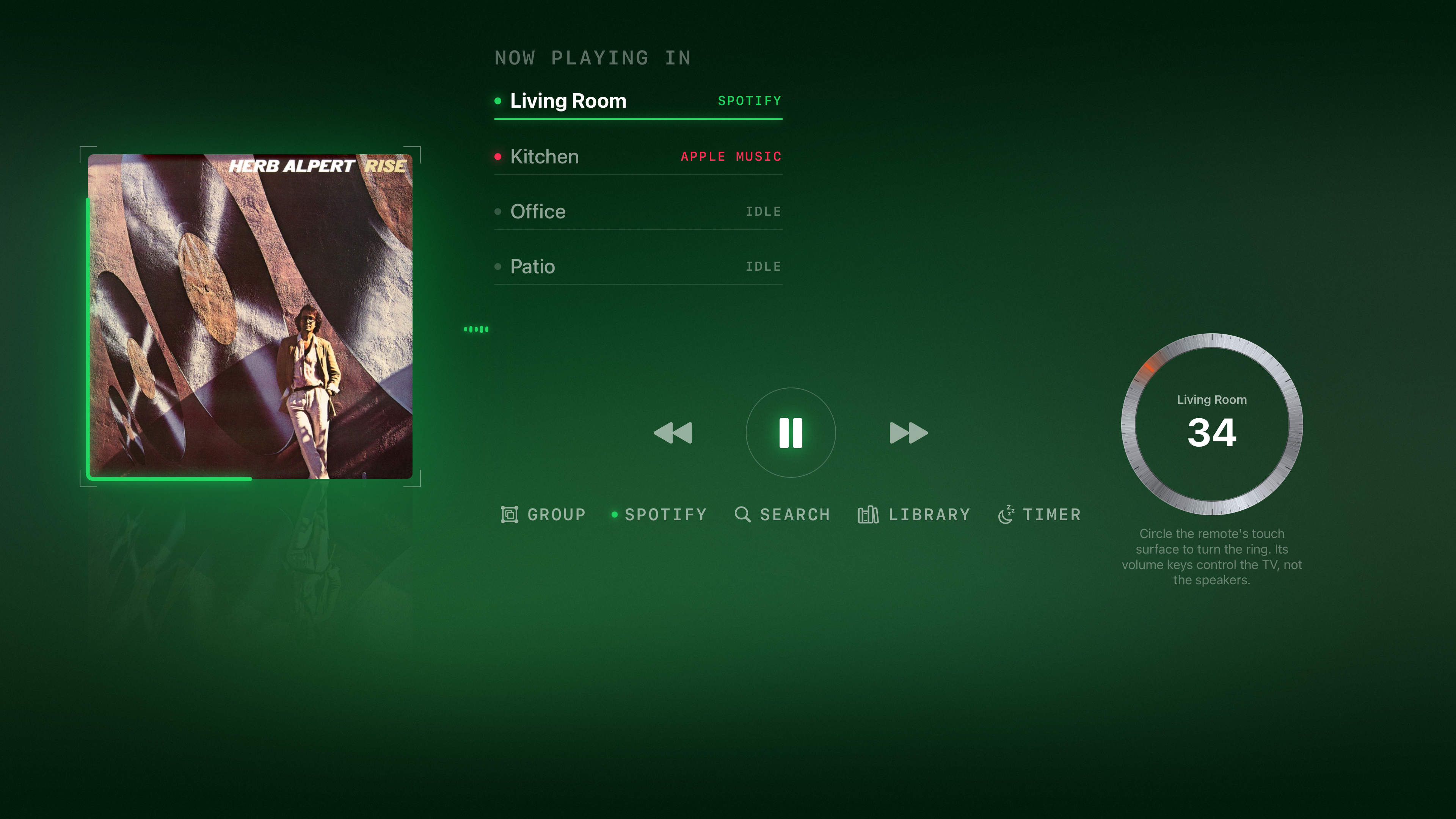
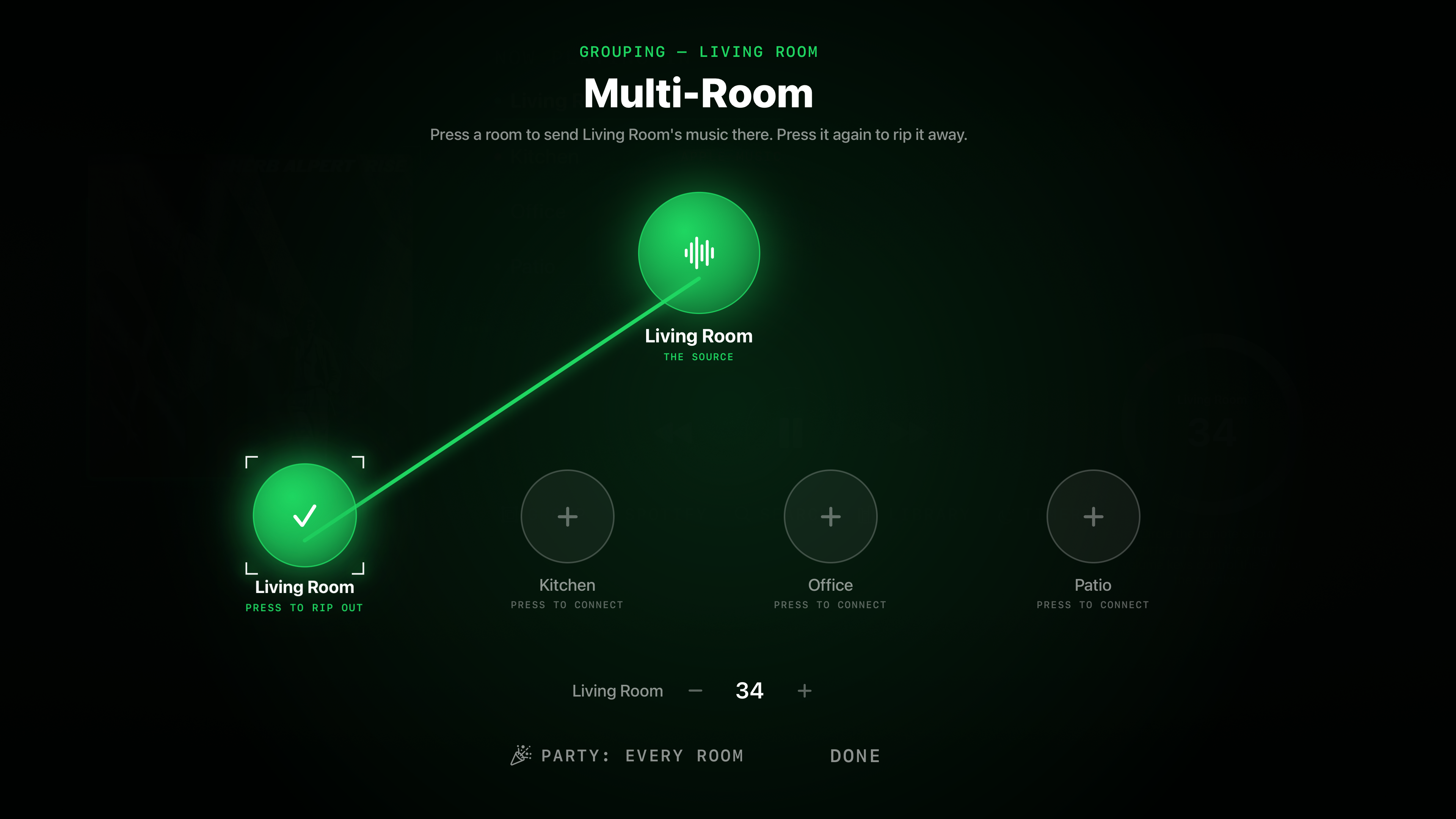
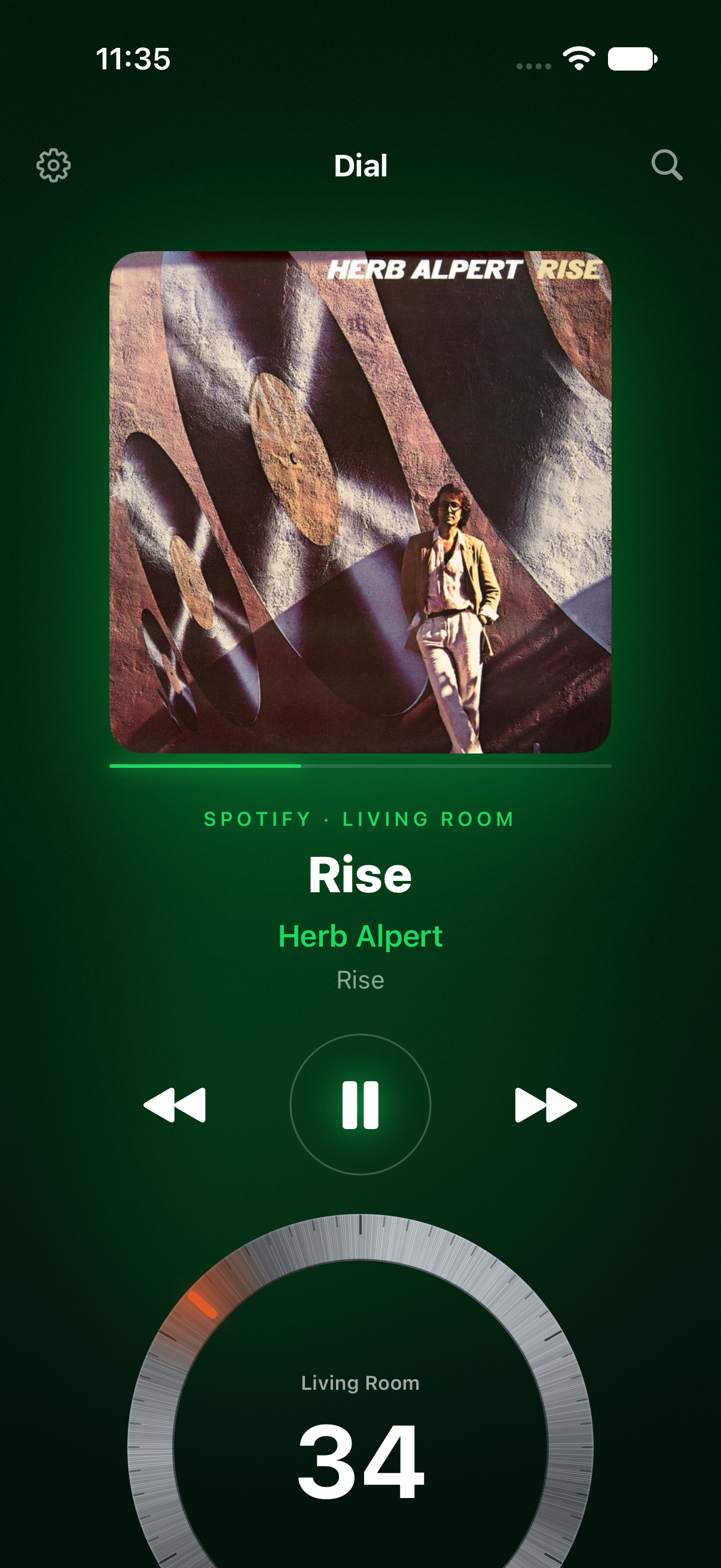
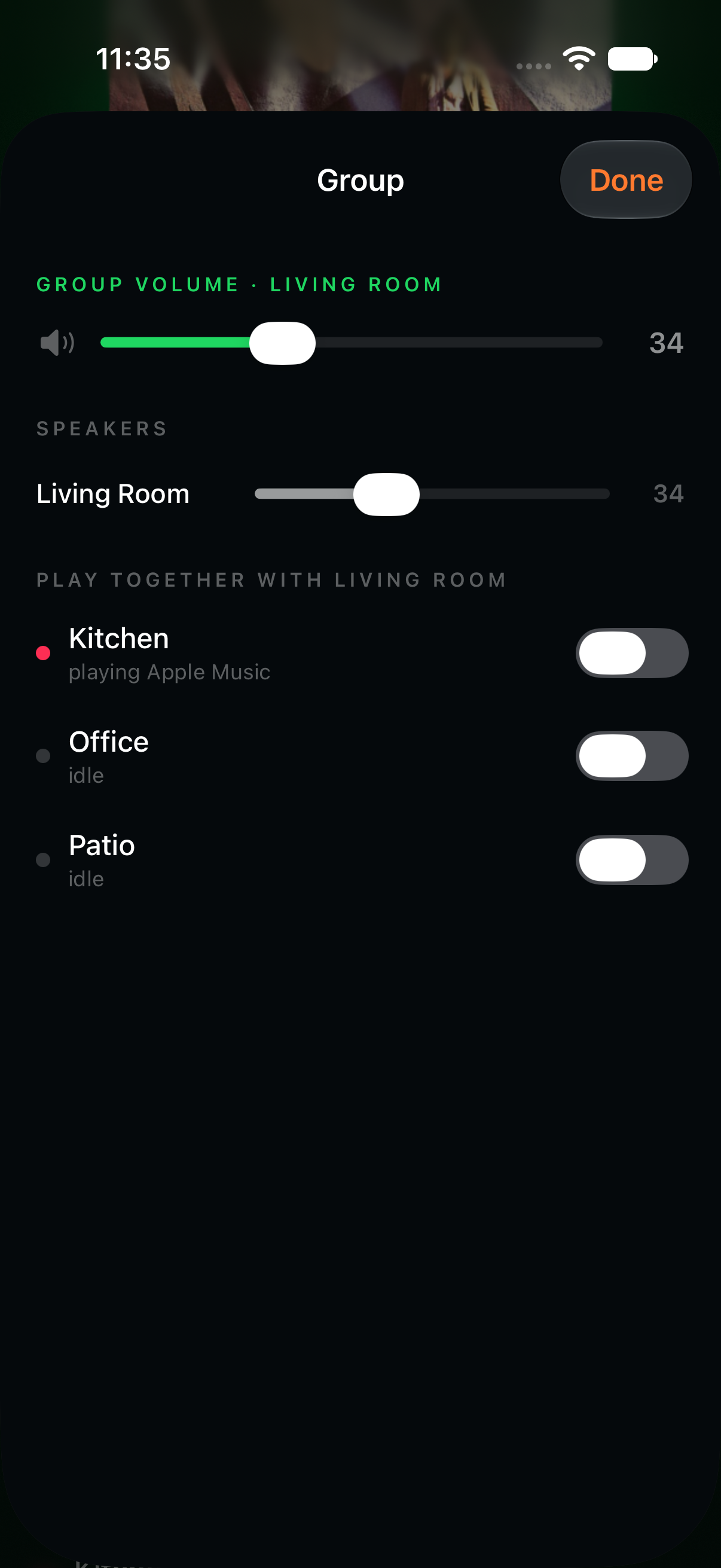
- Room grouping and ungrouping with per-speaker sliders, per-room and group volume with exact numbers on one brushed-steel dial shared by every screen, play / pause / skip, audio-source routing, queue editing, sleep timer, alarms
- Music
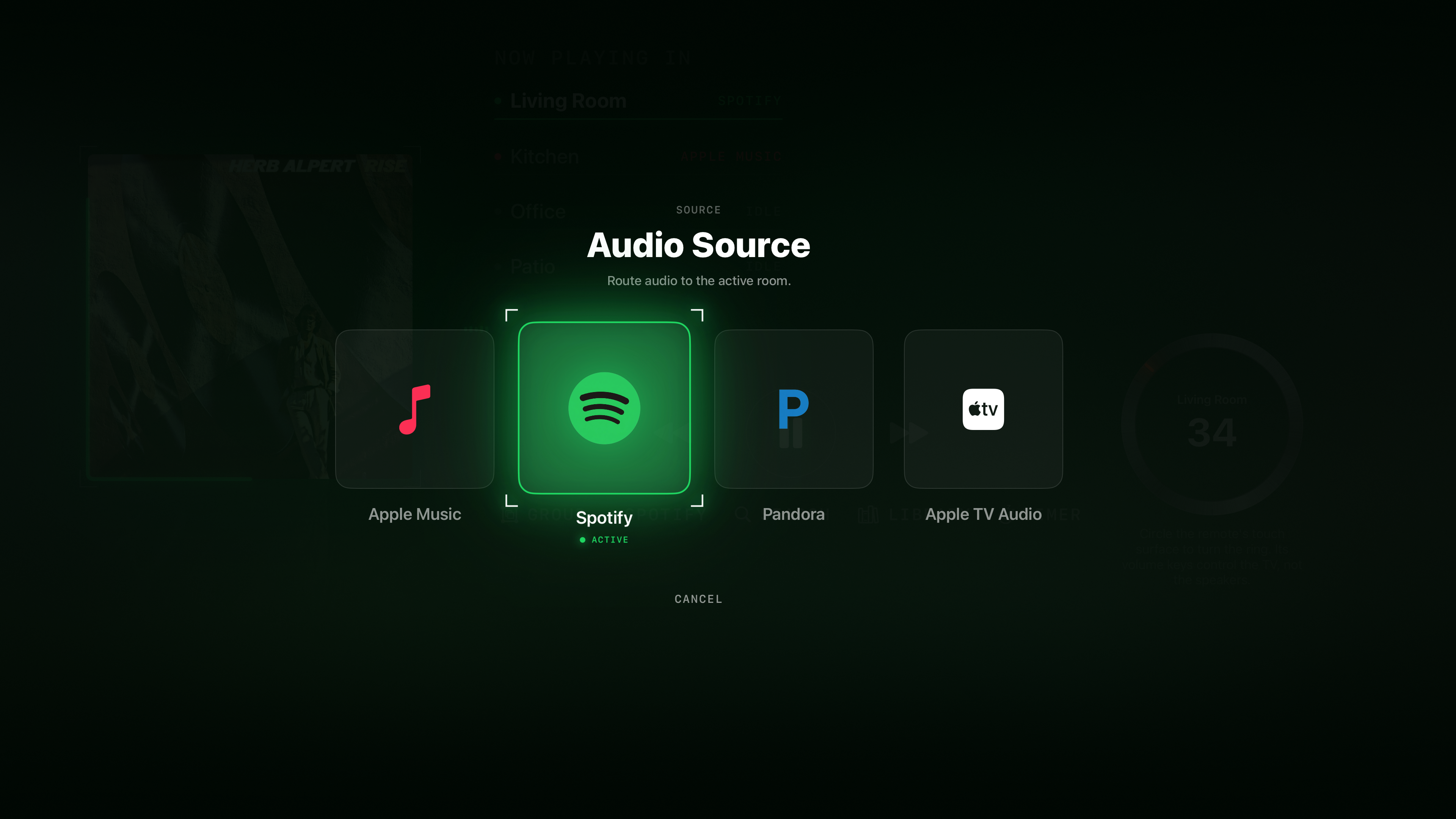
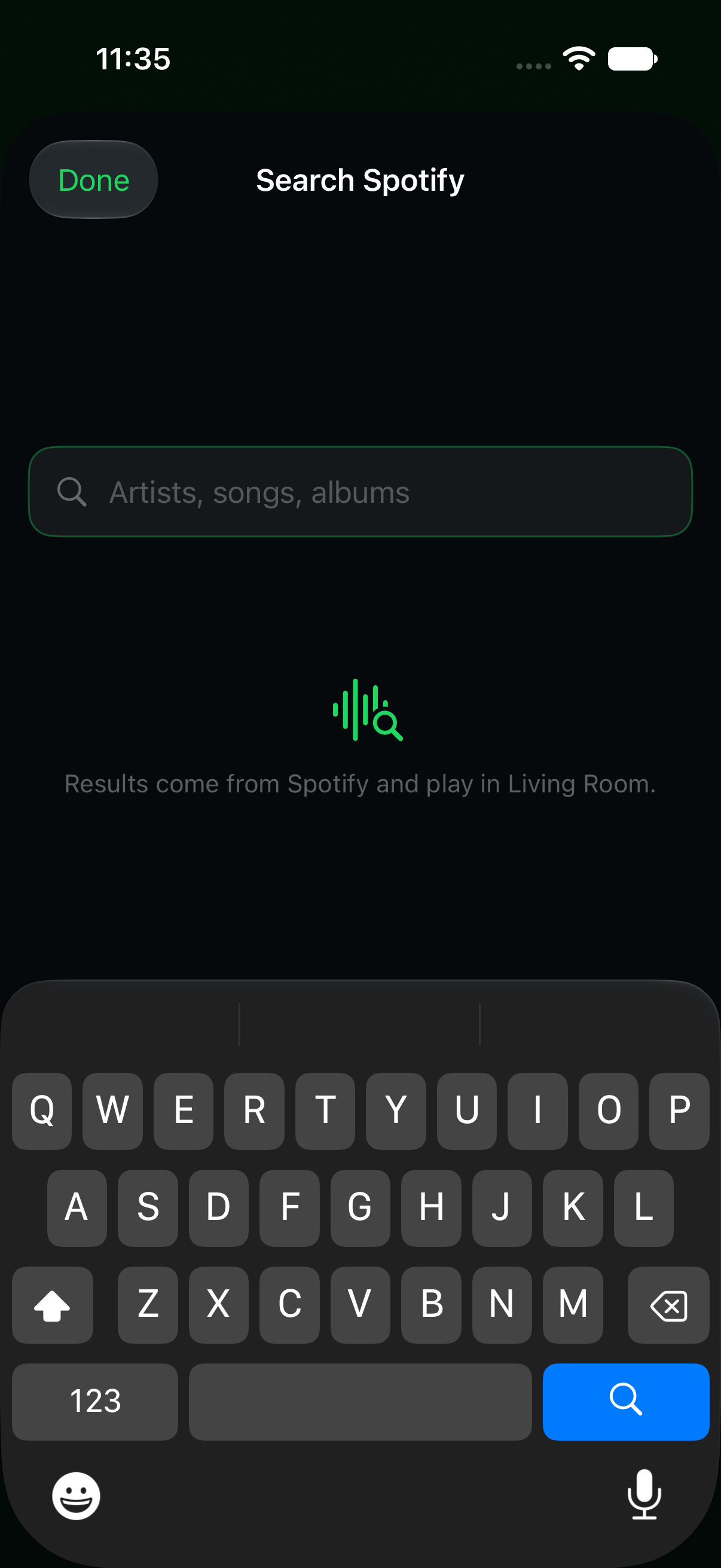
- Pandora and Apple Music through the Sonos system; Spotify over Spotify Connect (Premium); Apple Music AirPlay fallback from the Apple TV itself. Search across every service at once; a Library that opens each service folder by folder beside Sonos favorites and playlists
- Companions
- iPhone and iPad: the same house in hand, hardware volume buttons, Lock Screen and Control Center, widgets, drag-to-group, a link that hands the phone’s sign-ins to the television, and native iPhone Duo layouts with the record and the dial either side of the fold. Apple Watch: rooms, crown volume, mute, play / pause / skip, a Now-playing complication for the face and the Smart Stack
- Voice
- Siri room commands through the remote’s microphone — “set the Kitchen to 40,” “group the Kitchen with the Living Room”
- Ambient
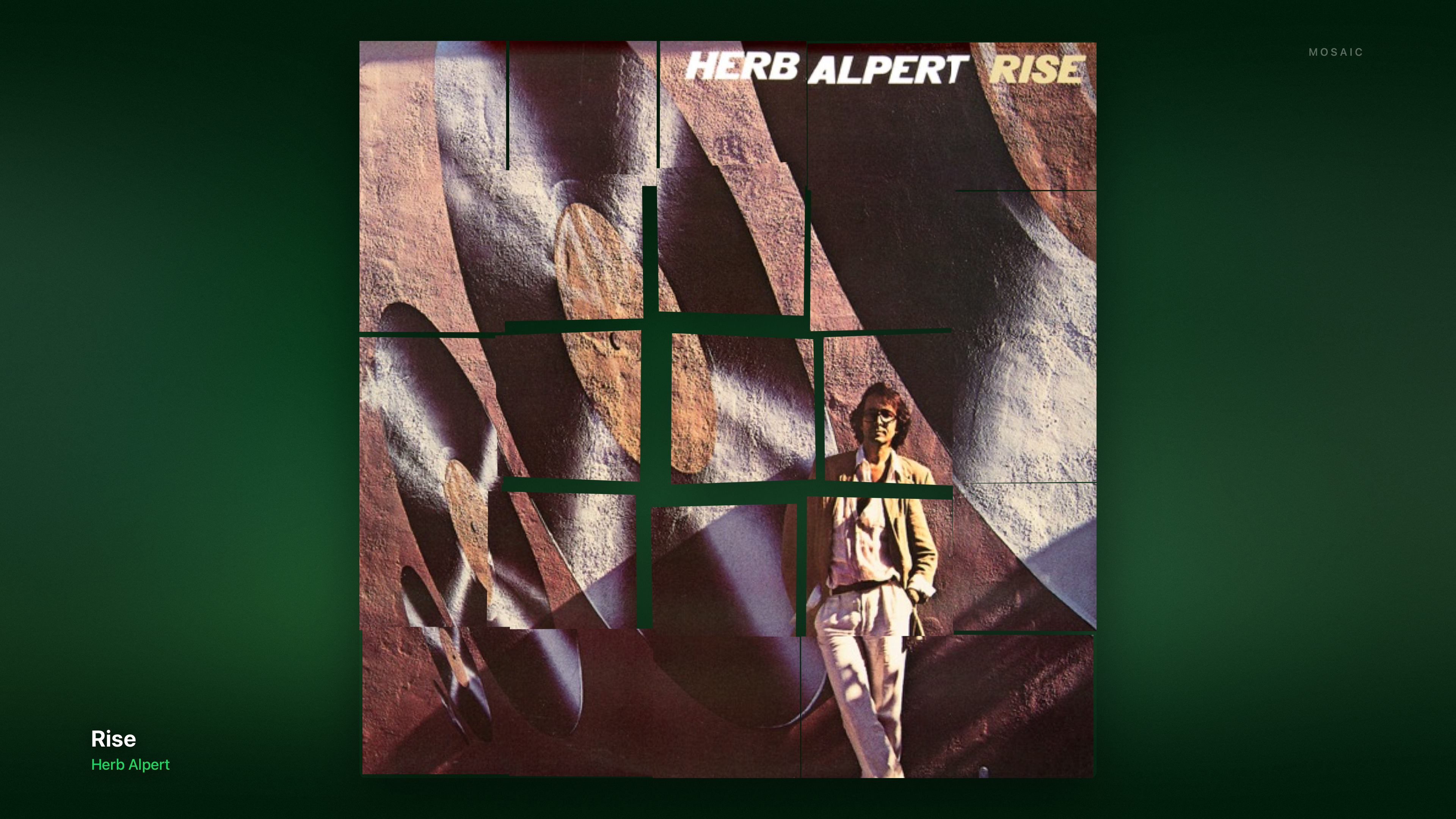
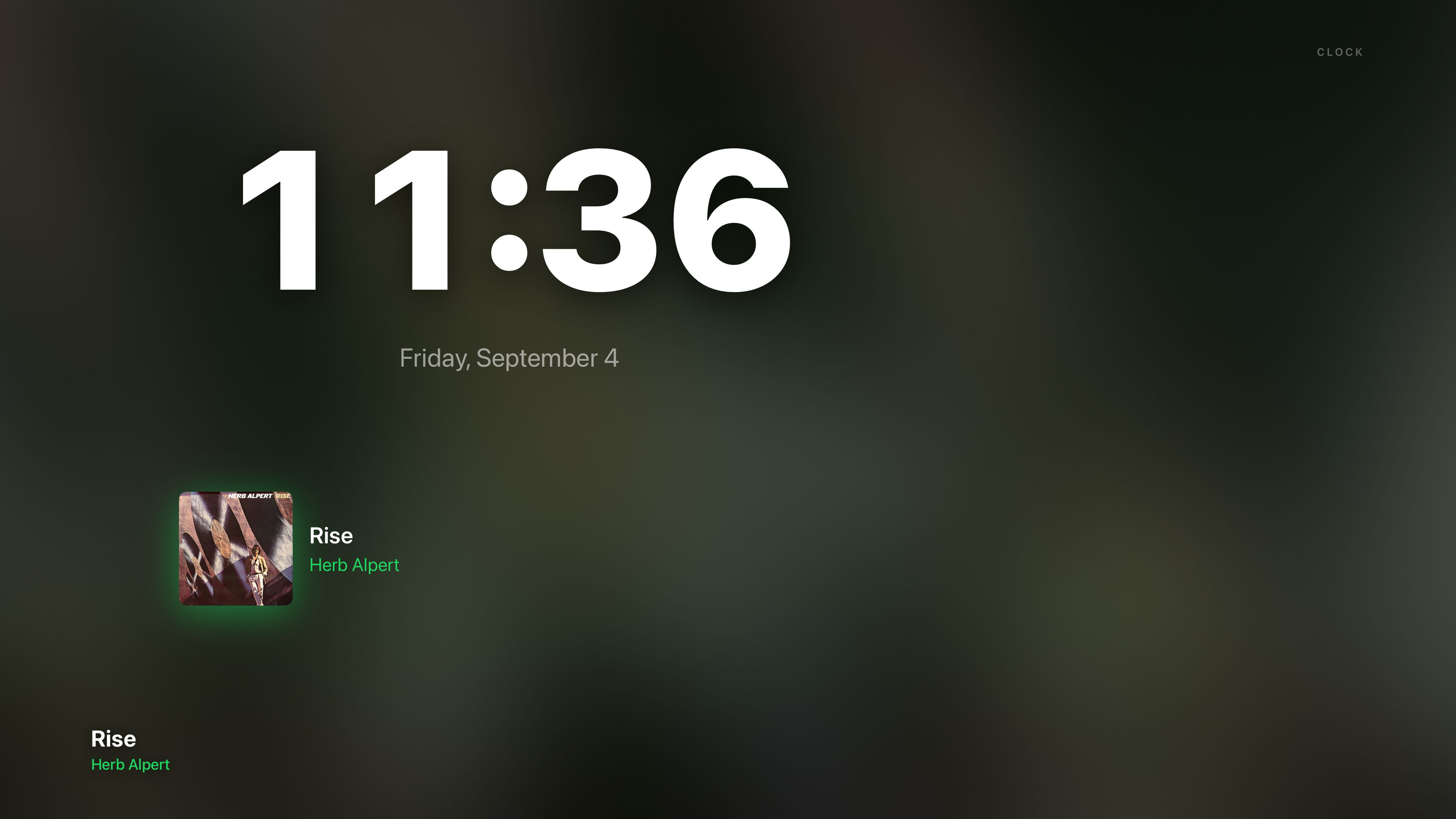
- An album-art screensaver: the sleeve drifts, breaks into mosaic tiles, and steps out into light drawn from its own colors
- Architecture
- Local-first — browsing, search and playback start on the home network, direct to the players; the cloud is used only where Sonos requires it
- Privacy
- No accounts of its own, no analytics; recent searches stay on the device — full policy
- Developer
- Dave Mendlen — press@turnthedial.app
Brand
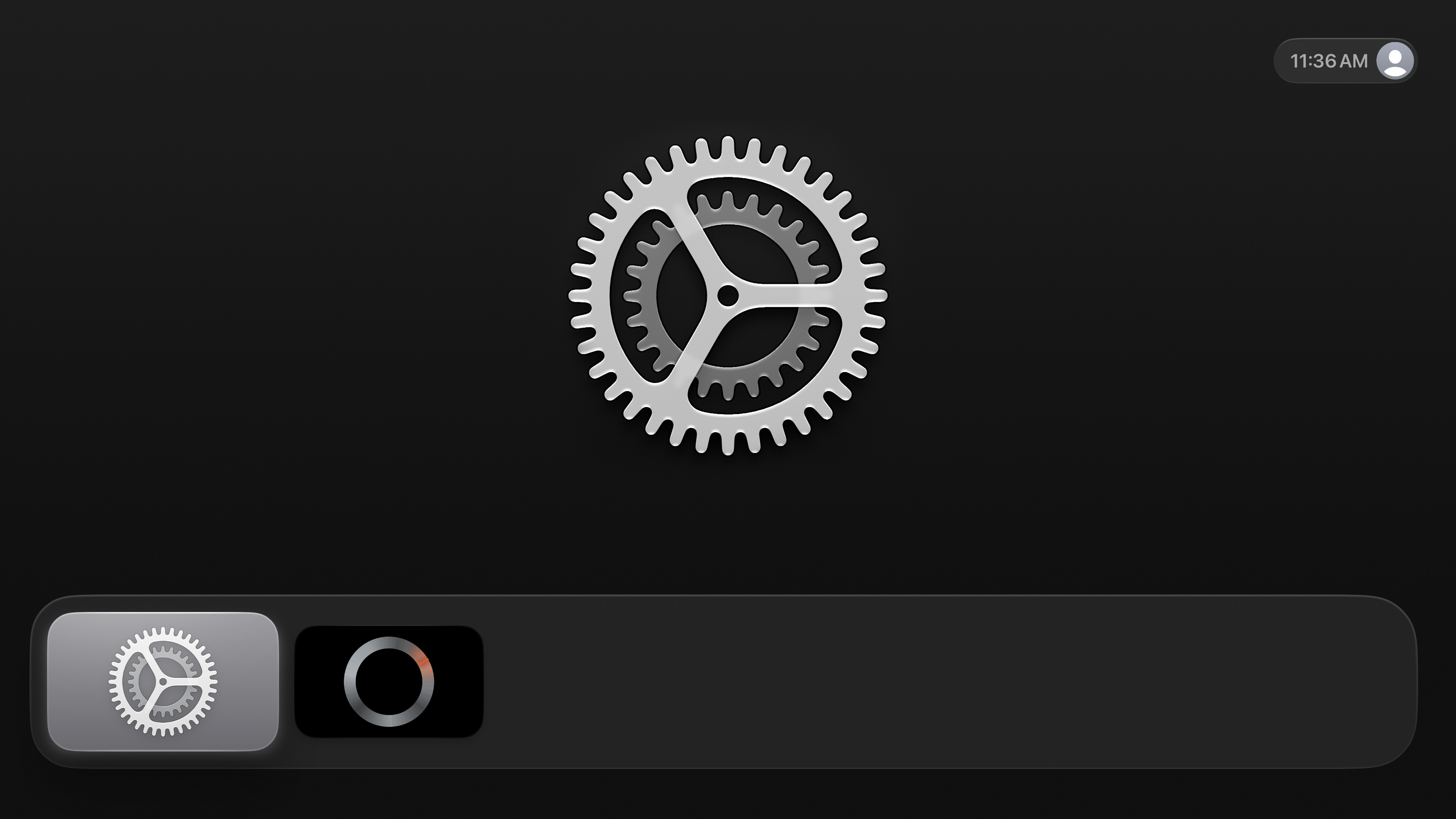
The mark is the dial itself — brushed metal, a single ember tick — the app’s volume control made emblem. Please don’t redraw or recolor it.
Press kit: Apple TV screens (zip) Press kit: iPhone, iPad and Watch screens (zip)
Logo: mark (PNG) · app icon (PNG) · Display face: Bricolage Grotesque (open license, Google Fonts)
Screens — captures from the builds
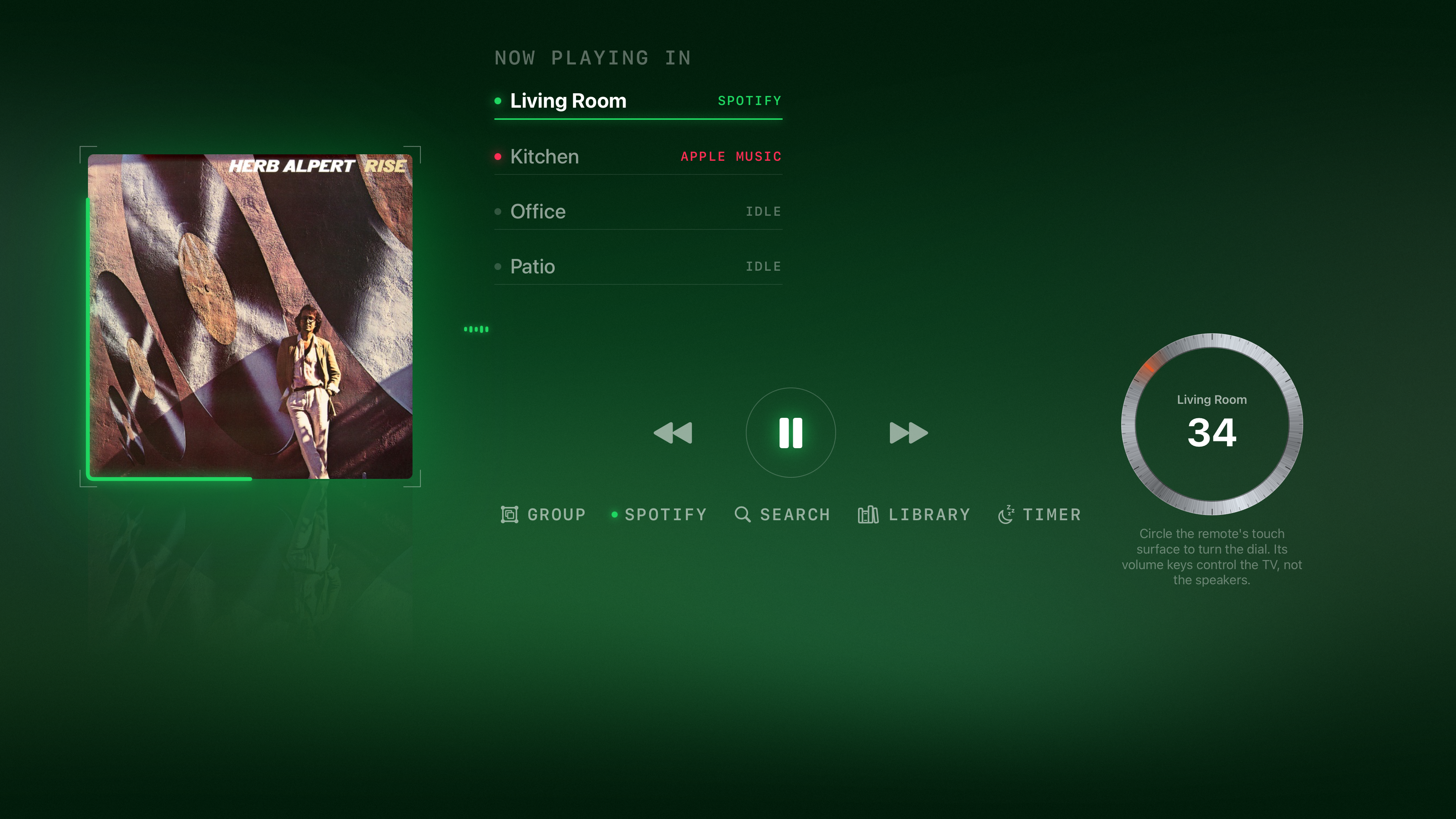
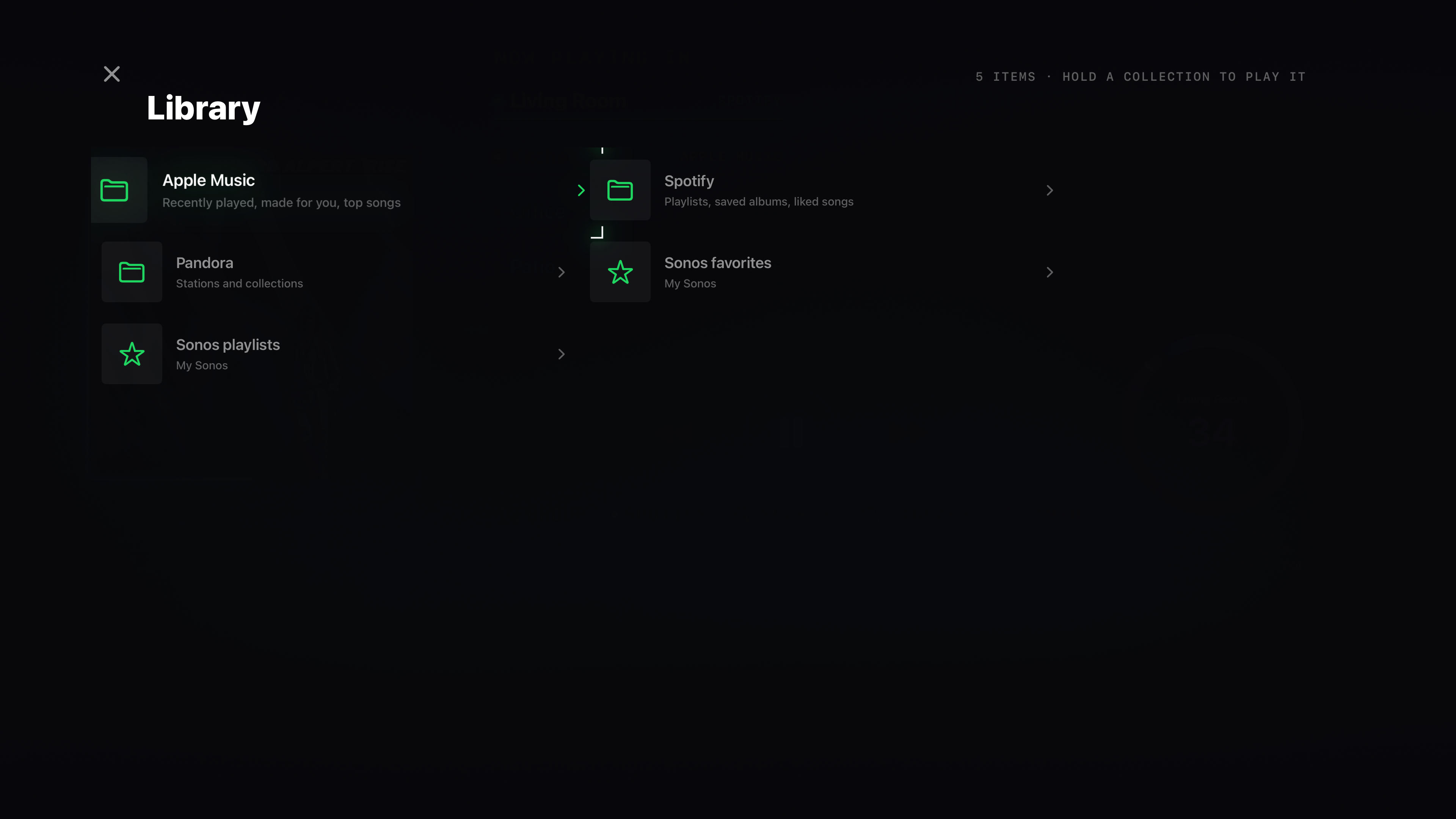
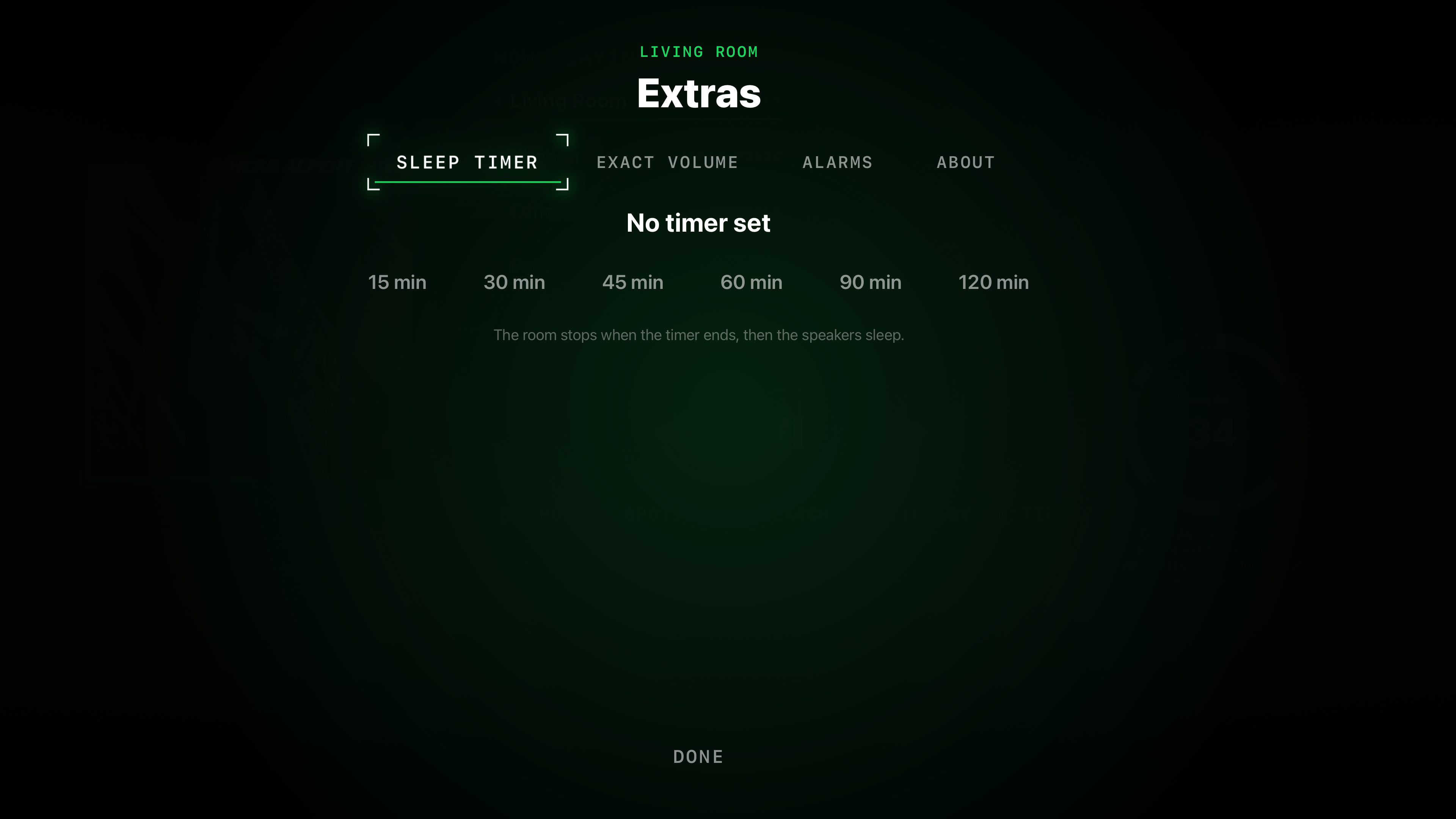
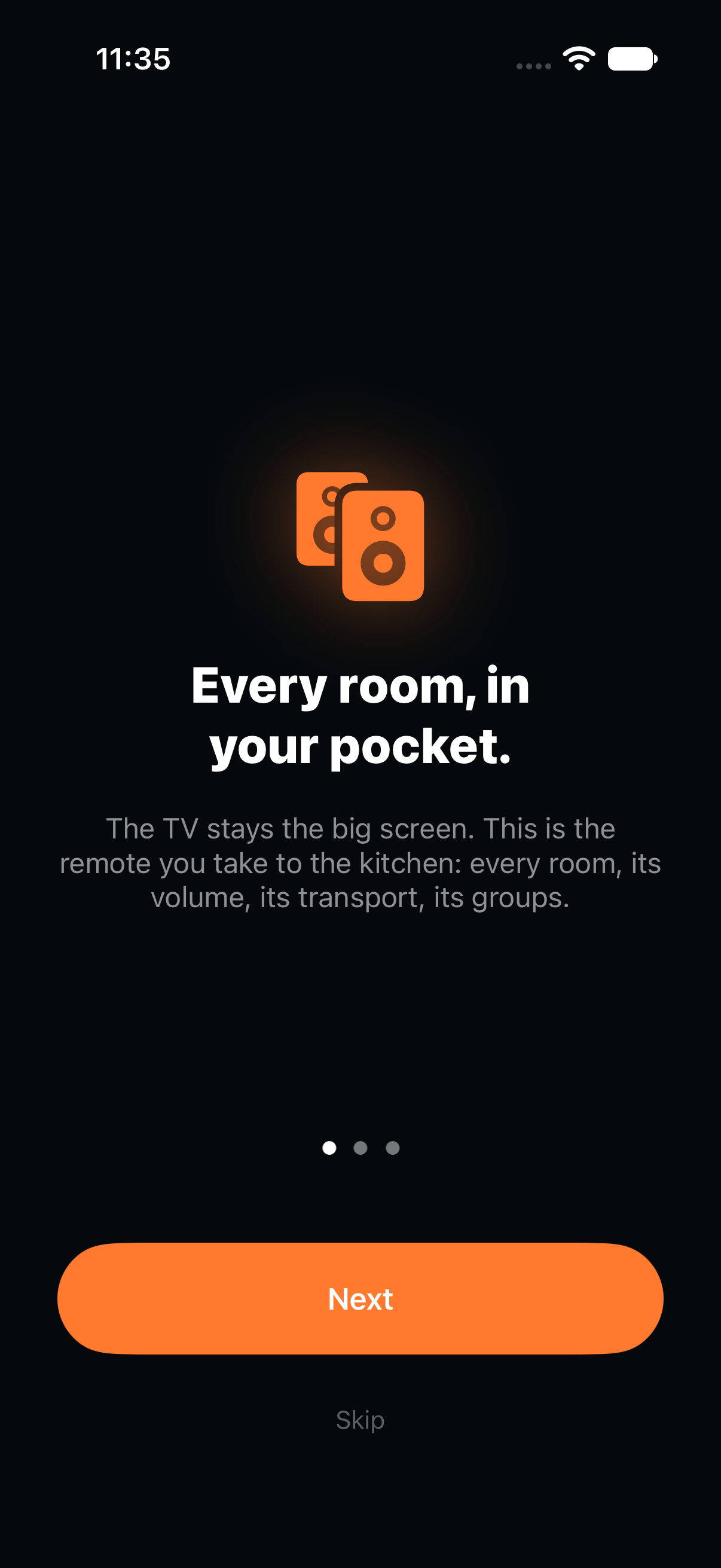
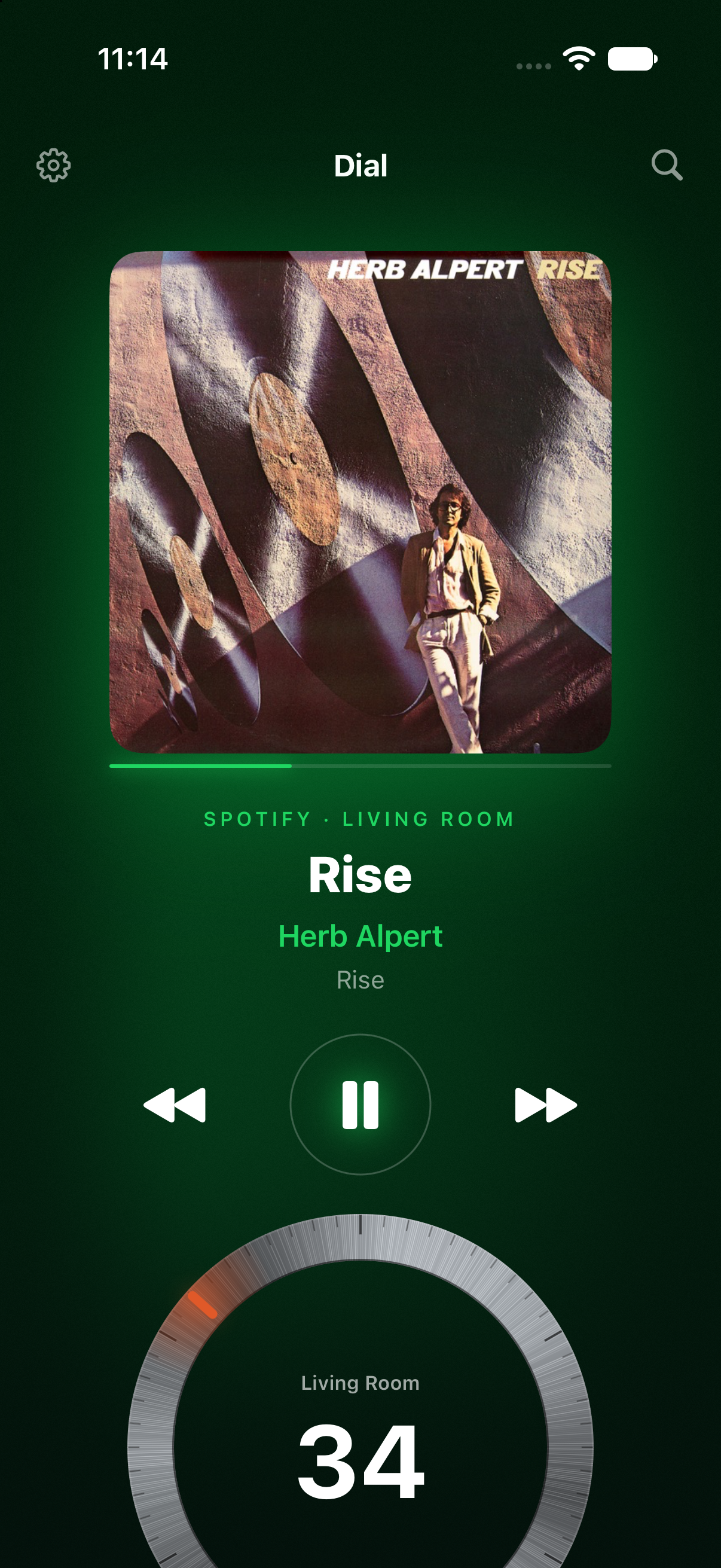
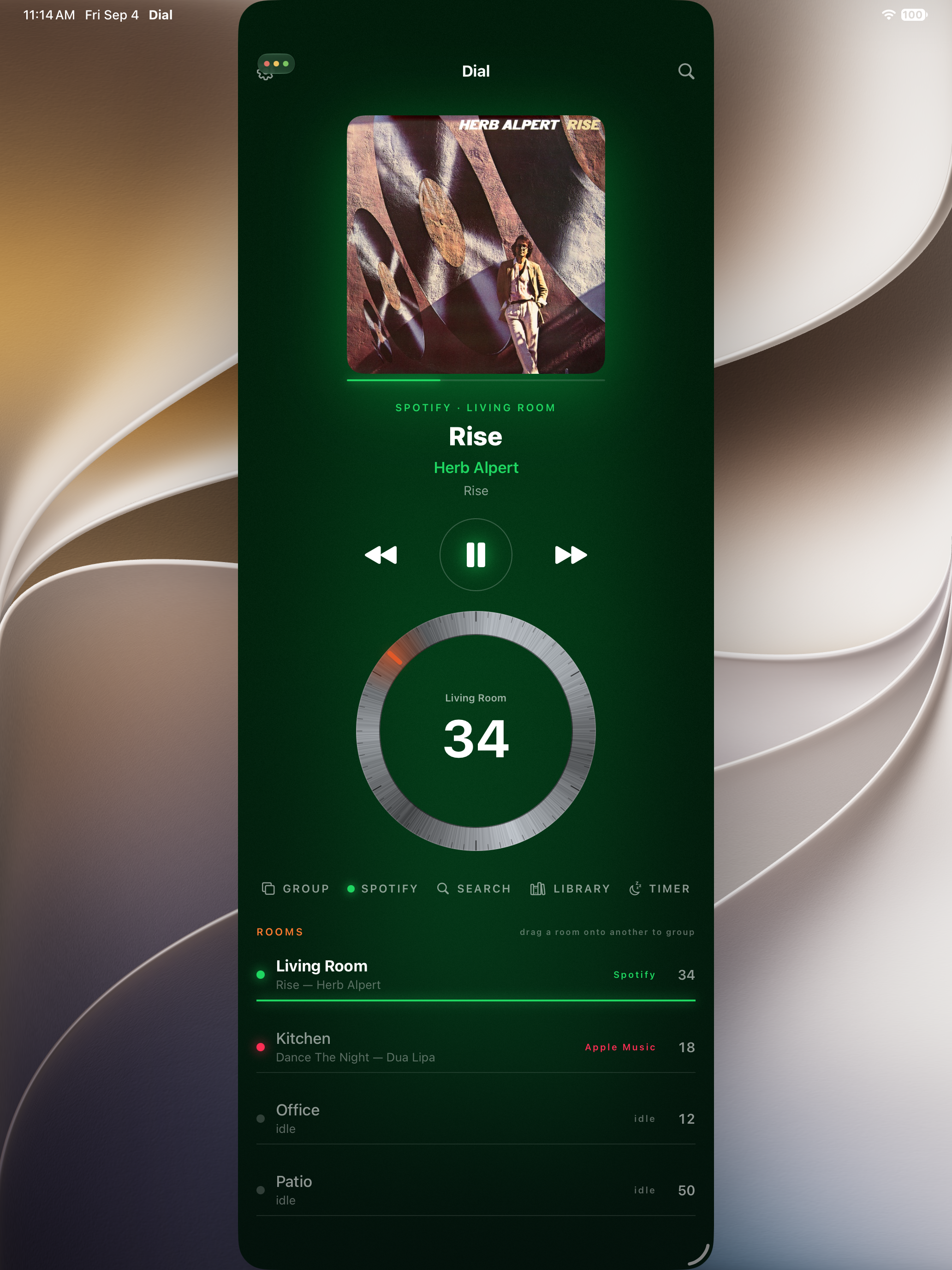
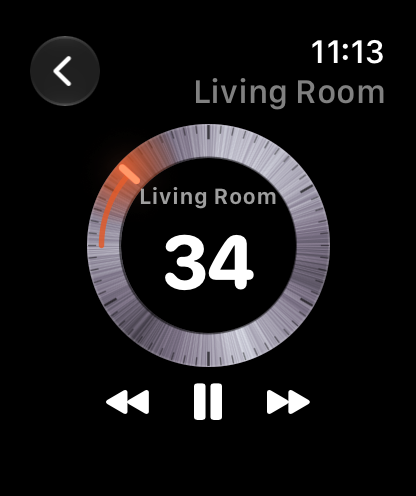
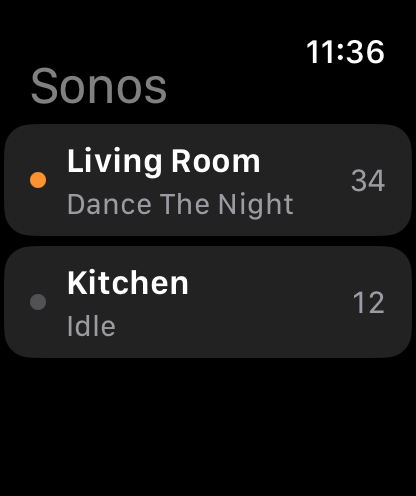
Apple TV screens are 3840×2160; iPhone screens are 1206×2622; the iPad screen is 2064×2752; the watch screen is 416×496. Click any image for the full PNG.
Story angles that are actually true
The couch got left behind. Sonos’s 2024 app rewrite removed features and broke trust with its most loyal owners; the TV — the one screen every living room already watches — was never part of the answer. Dial makes it the answer.
Local-first is a feature, not a slogan. The app speaks the same local protocols the Sonos app itself uses, so browsing and playback don’t detour through anyone’s server — and keep working the way speakers have worked for years.
One developer, one purchase. No subscription, no account, no analytics. The economics of a tool, not a platform.