 Dial
Dial
Apple Watch · 06 of 06
The crown is the volume.
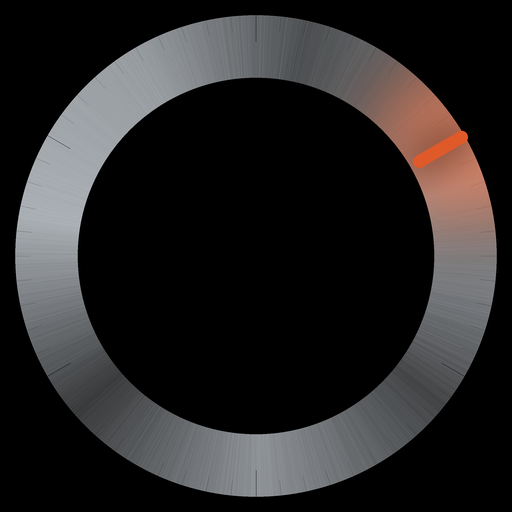
Raise your wrist, pick a room, turn. The same brushed-steel dial the television and the phone carry, filling the watch face, with the Digital Crown to turn it.
Every room, on the wrist
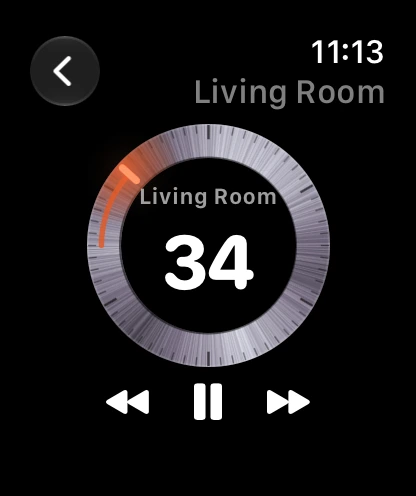
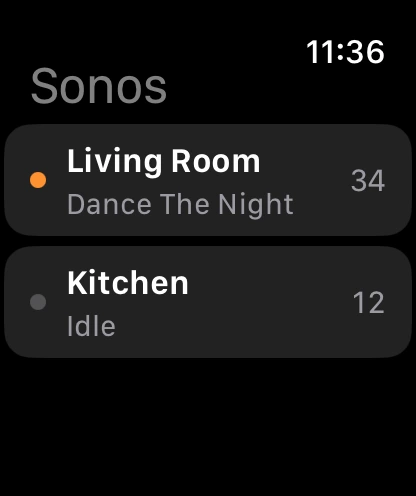
The watch shows the rooms the phone knows, with what each is playing. Tap one and the dial fills the face: the room’s name, its level, and the tick at the level.
One click per notch
Turn the crown and the dial turns with it, one haptic click for every detent, the number counting as you go. While you turn, the tick burns and an ember arc traces the distance from where you started; stop, and it fades. A spin of the crown is one message to the room, not forty.
On the face
A Now-playing complication puts the playing room on the watch face and in the Smart Stack: the level as a small gauge, the room, the track. It comes forward while music is on and steps back when the house is quiet. Tap it for the dial.
Play, pause, skip
Beneath the dial: previous, play or pause, next. Tap the dial itself to mute the room. Enough to fix the music from the kitchen without finding the phone.
Honest notes: the watch talks through the iPhone app, so open Dial on the phone once to link it. Tap the dial to mute the room, again to unmute. When the wrist drops, the dial dims and the light goes out. Needs watchOS 11 or later. It arrives with the iPhone app, which is on its way, under the same purchase as the Apple TV app.